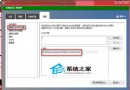
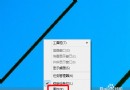
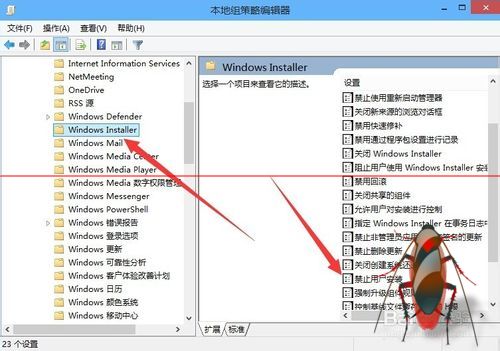
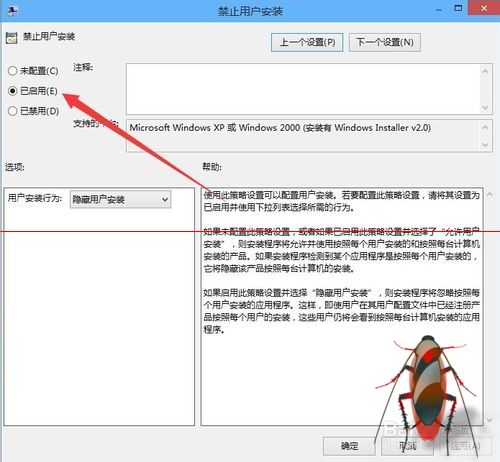
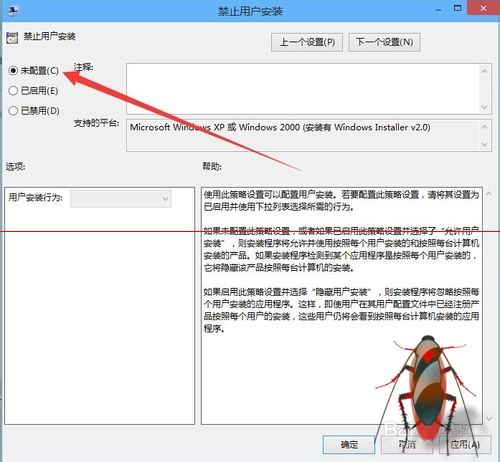
在 Windows 10 安裝軟體時,若所有安裝程式皆跳出「無法安裝此應用程式」,通常是群組原則啟用了「禁止使用者安裝」導致。以下為解除限制步驟。
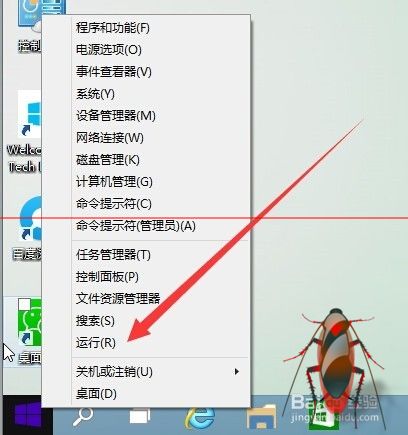
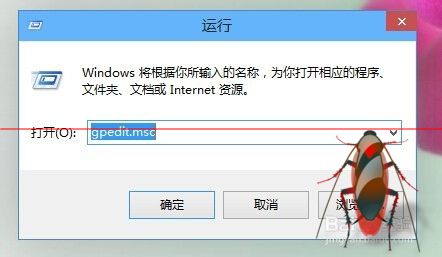
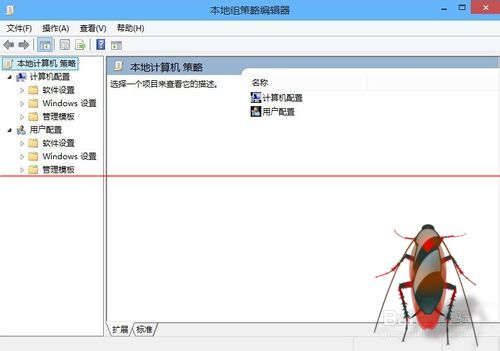
gpedit.msc 開啟「本機群組原則編輯器」。
Win10 如何刪除 Windows Hello 指紋辨識資料
Windows 7 Ctrl+Alt+Del 無法叫出工作管理員修復法
微軟官方發布 Build 2015 會議日程:涵蓋 Windows/Azure/Office 365 全平台深度培訓
Win7 開啟群組原則出現「解析時發生錯誤,找不到資源」兩大解決方案
Win10 Mobile 週年更新慢速/發布預覽版 14393.187 今日推送:主要修復 Bug 與穩定性提升
Win10 教育版用戶如何開啟 Insider Preview 更新?
Win10 如何關閉動作中心?註冊表新增 DisableNotificationCenter DWORD 值設為 1 即可徹底停用