Windows XP Windows 7 Windows 2003 Windows Vista Windows 綜合教學 Linux 系統教學
Windows 10 Windows 8 Windows 2008 Windows NT Windows Server 電腦軟體教學
您现在的位置: Windows教程網 >> Windows教程 >  >> Windows 綜合教學 >> 關於 Windows

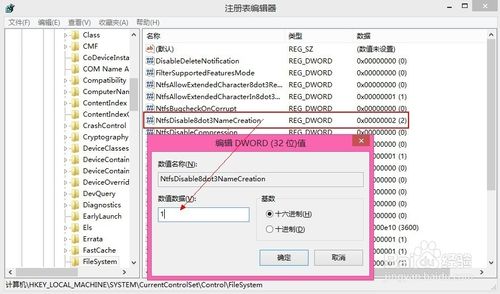
Windows 關閉/開啟 8.3 短檔名功能:登錄檔 NtfsDisable8dot3NameCreation 0/1 切換

編輯:關於 Windows

DOS 時代 8.3 格式 (檔名 8 字元、副檔名 3 字元) 現代 Windows 已支援 255 字元長檔名。若需相容舊程式可開啟短檔名,否則關閉以提升檔案系統效能。

設定方法

  1. Win + R → regedit
  2. HKEY_LOCAL_MACHINE\SYSTEM\CurrentControlSet\Control\FileSystem
  3. NtfsDisable8dot3NameCreation:1=關閉短檔名、0=開啟短檔名
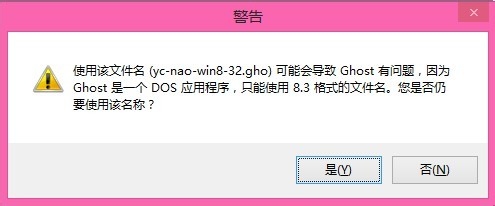
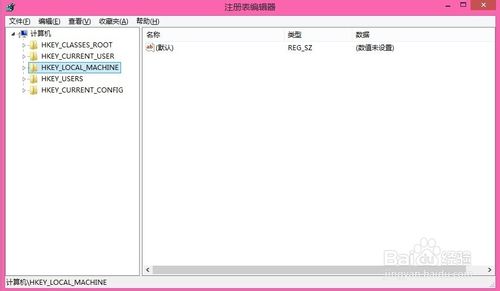
現代環境建議設 1 關閉,除非需執行 16-bit 舊應用程式。修改後需重開機生效。

Copyright © Windows教程網 All Rights Reserved