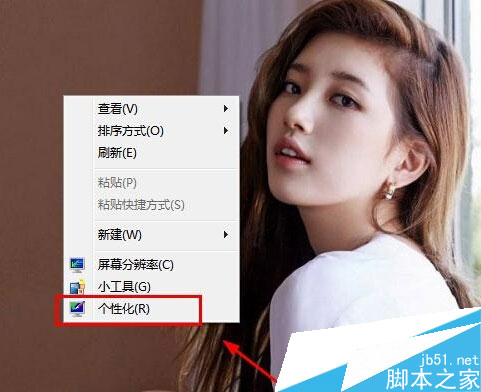
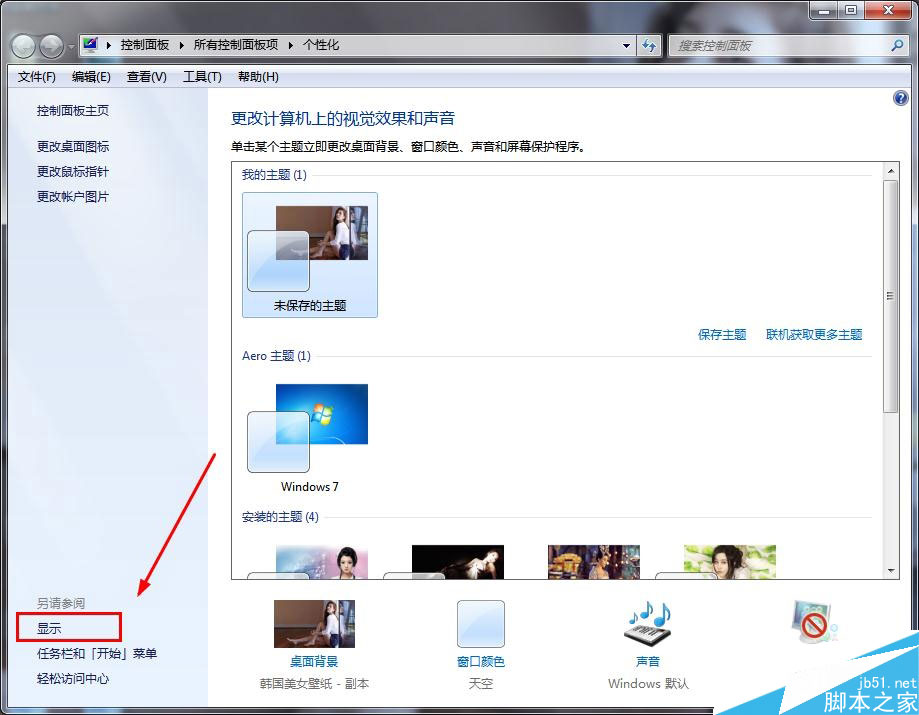
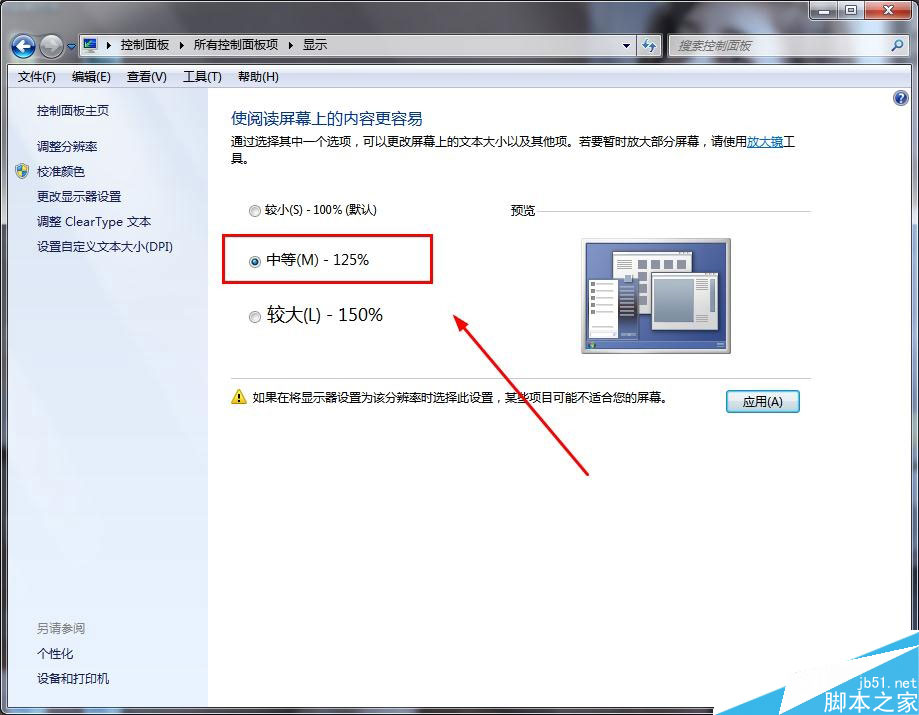
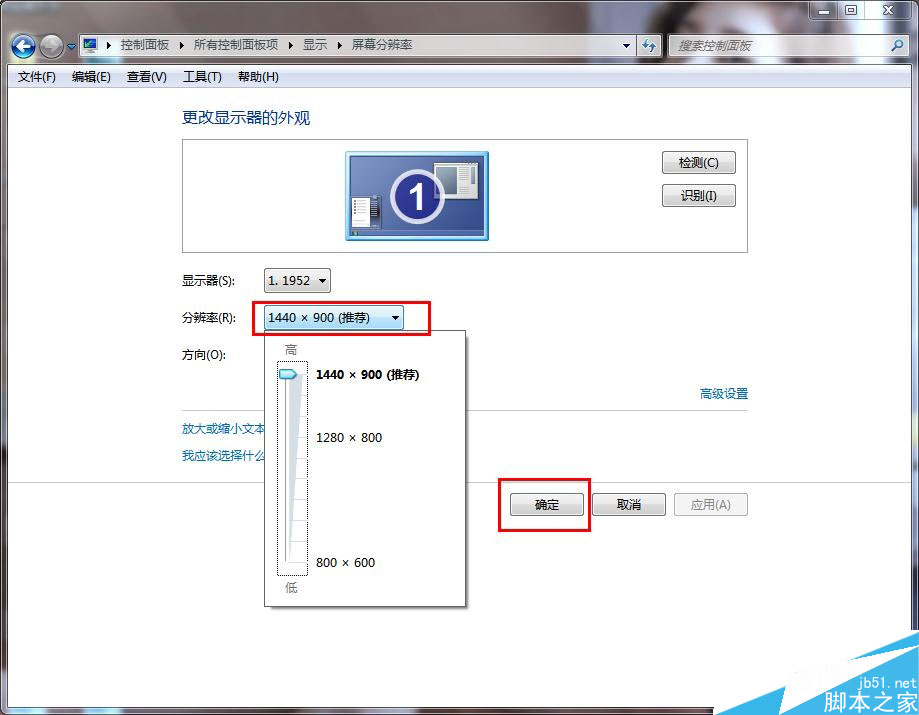
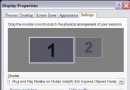
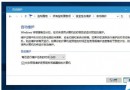
蘋果筆電安裝 Windows 7 後預設解析度字體偏小,可自訂 DPI 放大:
依需求調整系統字體大小,解決高解析度下字體過小難閱讀問題。
Windows 10 音量控制失效修復:登錄補充 systray.exe 啟動值
Win10 小娜語音助手換新裝:天氣圖示從單色升級為彩色圖標
Win8 任務列時鐘加入自訂文字,每天都暖暖的
微軟確認:Edge 瀏覽器棄用 ActiveX 與 Silverlight 插件
Win10 正式上市滿月:全球安裝量破 7500 萬,中國份額僅 3.18% 遠落後 Win7/XP
Win10 註冊表開啟暗黑模式 (夜間模式) 完整教學:SystemUsesLightTheme = 0
Windows Server 2008 修改伺服器名稱與管理員密碼完整教學
Win7 內建 Windows Virtual PC 建立 XP 虛擬機:相容舊軟體、測試環境完整教學