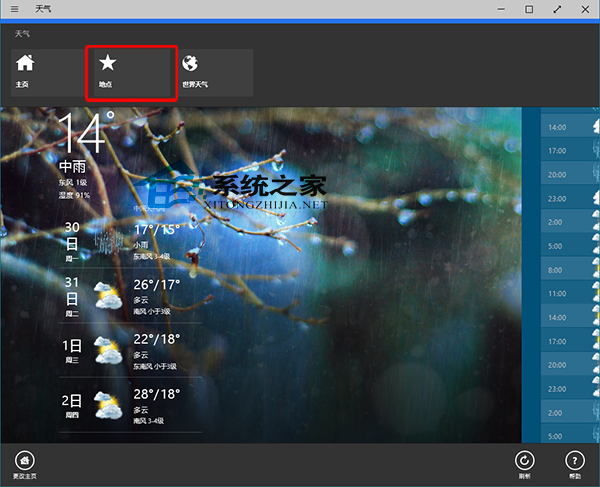
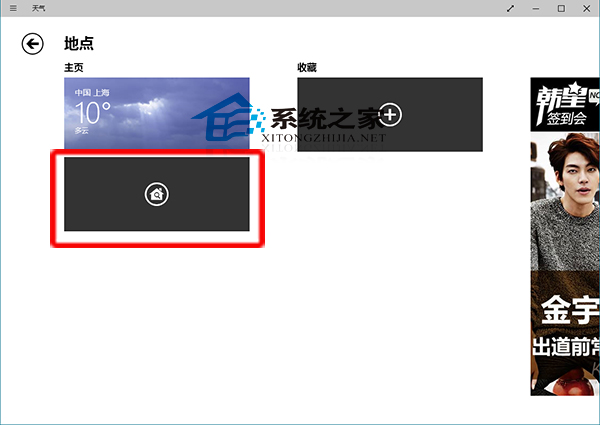
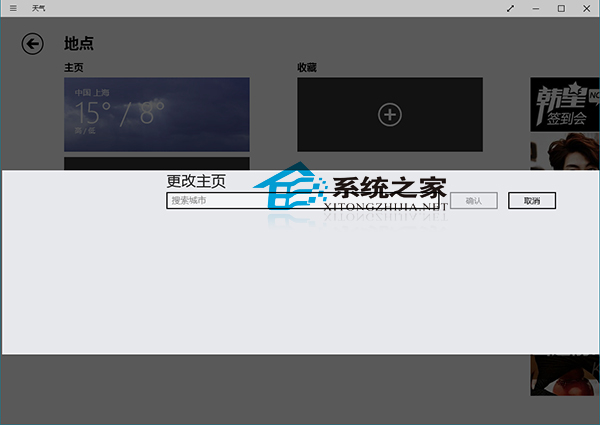
Win10 天氣應用預設顯示定位城市,需手動切換關注城市。操作極簡單:
同樣適用於「地圖」、「新聞」等內建應用的地點設定邏輯。
Win10 TH2 重新上架仍存「卡在 44%」安裝卡住問題,微軟一年未解
Win10 禁止「你已安裝可開啟此類檔案的新應用程式」彈窗提示:登錄檔一鍵關閉
Windows 10 一鍵建立還原點:建立捷徑「以管理員身分執行」完整教學
Win10 RS1 14267 SDK 版本發布下載:僅供測試裝置,不適用生產環境
Win10 幻燈片關機:建立 SlideToShutDown.exe 捷徑,像手機/平板一样滑動關機
Windows 10 預覽版 VIA HD Audio 聲卡聲音異常?停用所有音效增強即可改善
Win8 硬碟資料遺失怎麼救?分區磁碟代號恢復與專業資料救援軟體實測
Win7 查看系統啟用狀態教學:系統屬性→Windows 啟用區域一鍵確認