Windows XP Windows 7 Windows 2003 Windows Vista Windows 綜合教學 Linux 系統教學
Windows 10 Windows 8 Windows 2008 Windows NT Windows Server 電腦軟體教學
您现在的位置: Windows教程網 >> Windows教程 >  >> Windows 綜合教學 >> 關於 Windows

蘋果電腦安裝XP系統圖文教學:Boot Camp分區、刪除200MB保留區、U盤備份驅動完整流程

編輯:關於 Windows

Intel架構Mac可用Boot Camp安裝Windows。XP安裝完整11步驟:

  1. 準備:外接DVD光碟機、U盤/行動硬碟、無線路由器、XP安裝碟(ISO燒錄)。
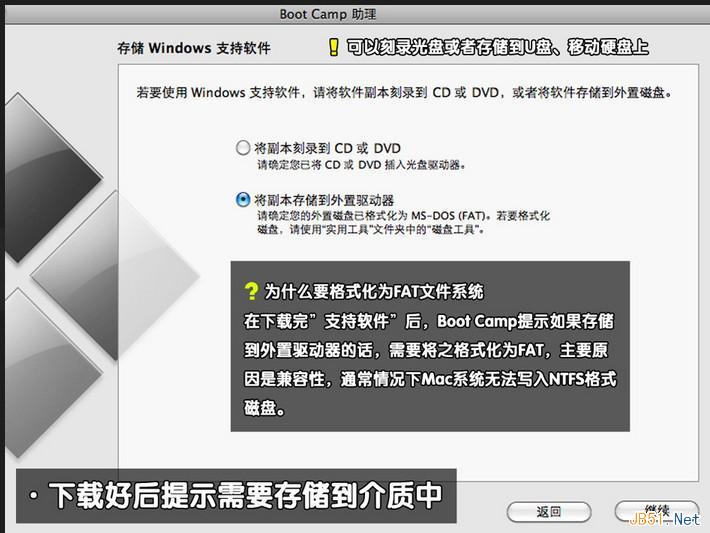
  2. Mac OS開啟Boot Camp助理,將驅動備份至U盤/行動硬碟。
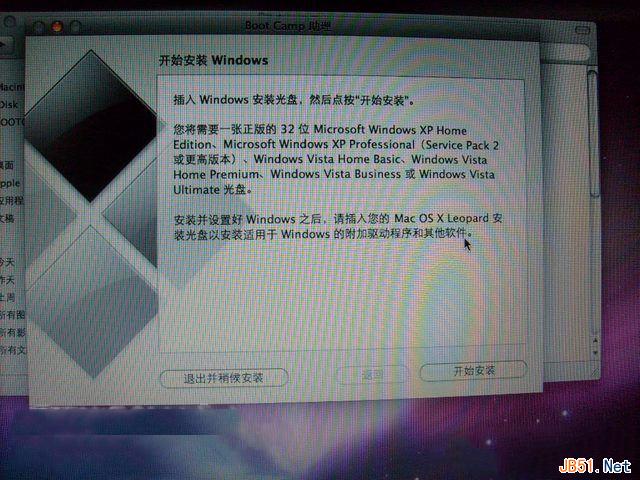
  3. Boot Camp分區:小編分50GB,20GB主分區裝XP,30GB FAT32擴展分區供Mac/Win雙向讀寫。插入XP光碟點「開始安裝」。
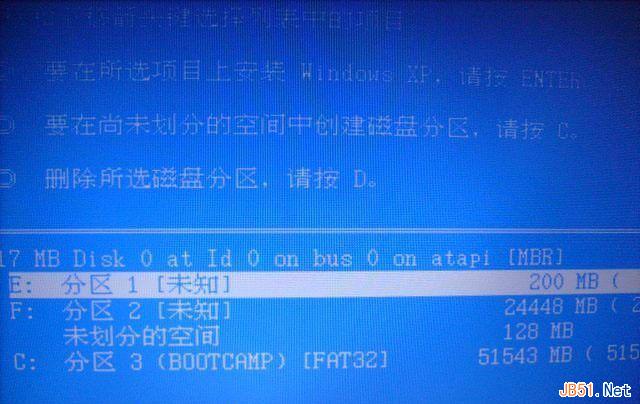
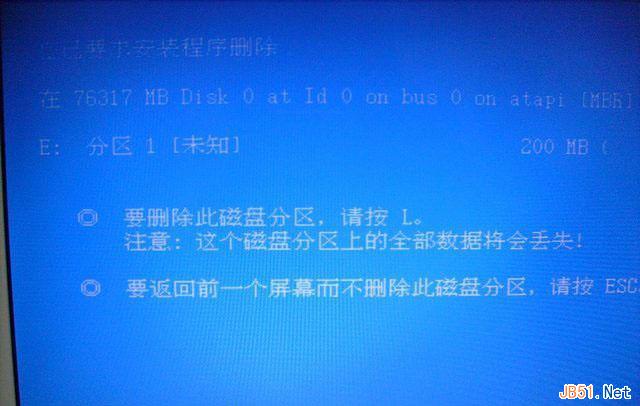
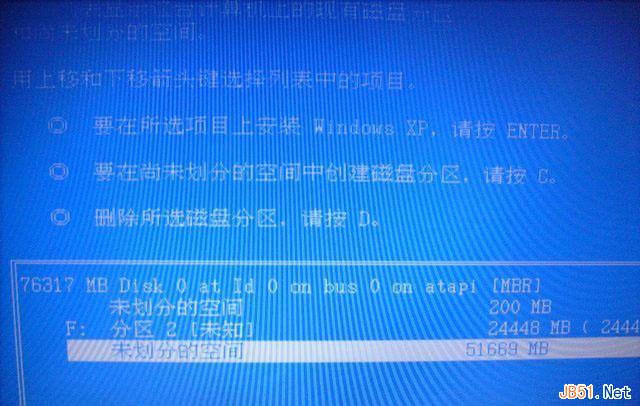
  4. 重啟進XP安裝介面,分區畫面按 L 刪除200MB多餘保留區。
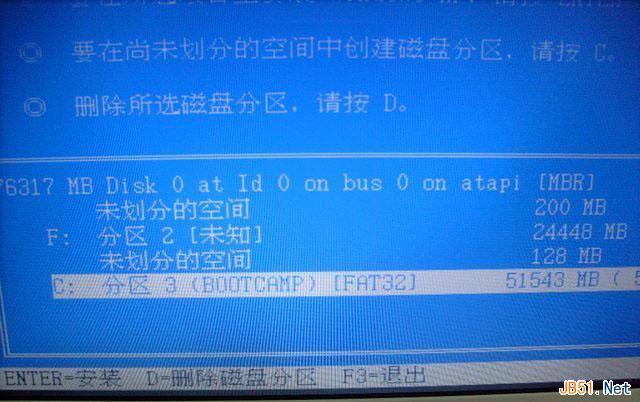
  5. 刪除Boot Camp分區(同理)。
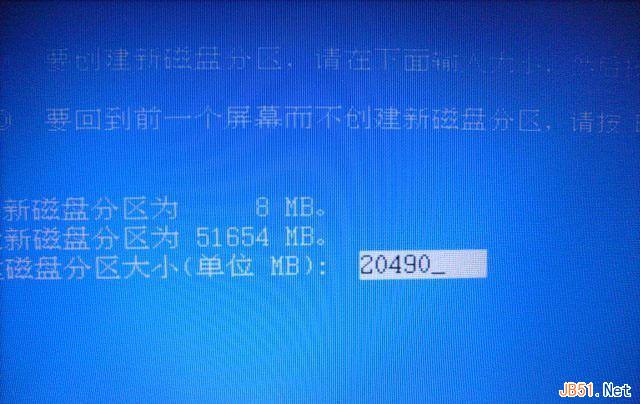
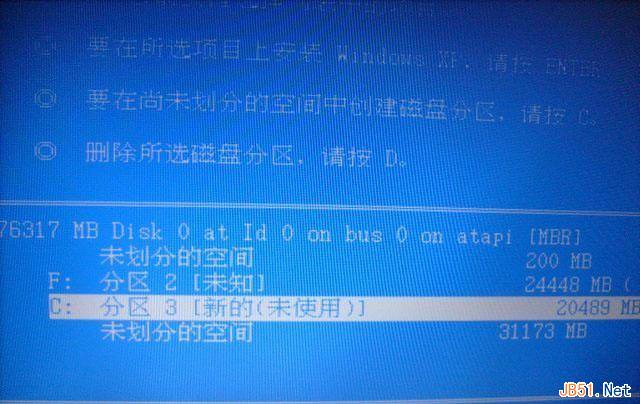
  6. 對較大未配置空間建立20GB主分區裝XP。
  7. 選擇該分區安裝XP,格式化為NTFS。
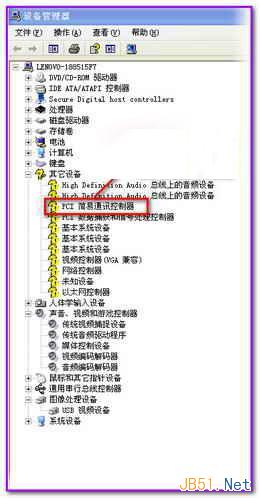
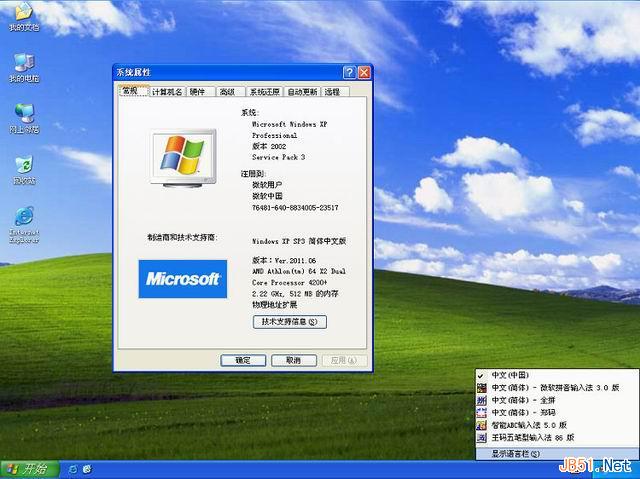
  8. XP安裝完成進入桌面,裝置管理員檢視驅動(大多缺失)。
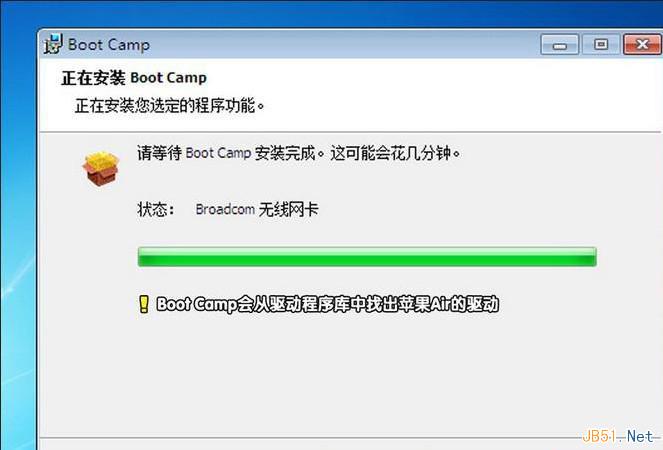
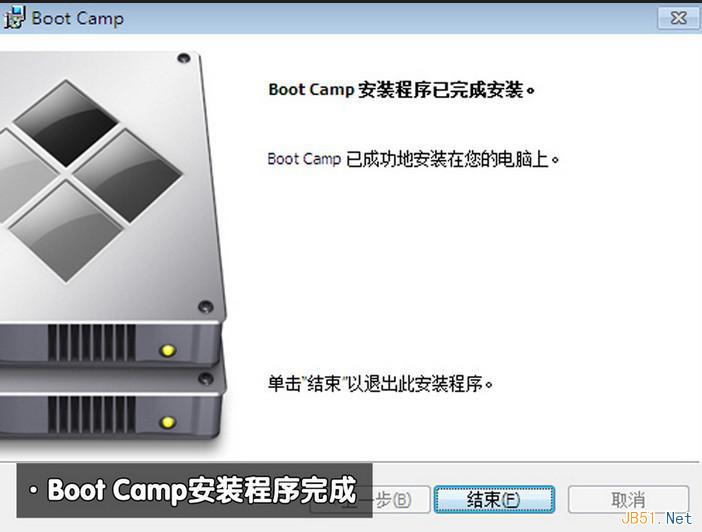
  9. 插入備份驅動U盤,執行 Boot Camp 程式自動安裝Mac硬體驅動。
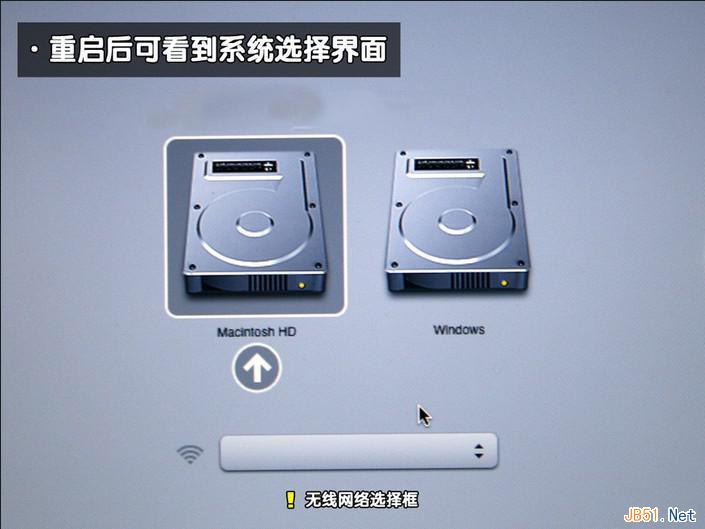
  10. 重啟按住 Option 鍵選擇XP啟動。
  11. 完成,Mac擁有完美運行體驗+經典XP雙系統。

關鍵:刪除200MB保留區與Boot Camp分區、重新建立主分區、Boot Camp自動安裝驅動。
Copyright © Windows教程網 All Rights Reserved