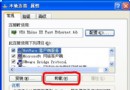
Windows XP 遠端桌面連線 Windows 8 失敗,因 Win8 預設要求「網路層級驗證 (NLA)」,XP 預設未啟用。透過登錄修改啟用 NLA 支援即可連線。
regedit 開啟登錄編輯器。HKEY_LOCAL_MACHINE\SYSTEM\CurrentControlSet\Control\Lsa → Security Packages → 末行新增 tspkg。HKEY_LOCAL_MACHINE\SYSTEM\CurrentControlSet\Control\SecurityProviders → SecurityProviders → 數值末尾新增 , credssp.dll(逗號後有空格)。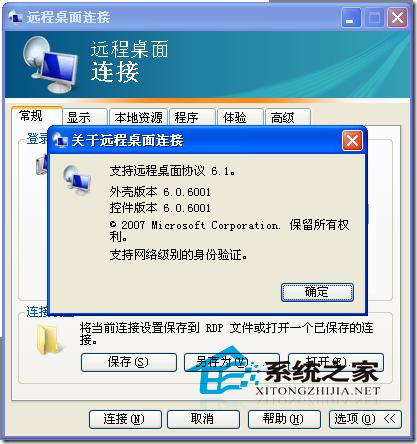
修改完成後,XP 遠端桌面即可通過 NLA 驗證連線 Windows 8。此為登錄層面啟用 CredSSP (Credential Security Support Provider) 協定支援,屬進階設定,操作前請備份登錄。