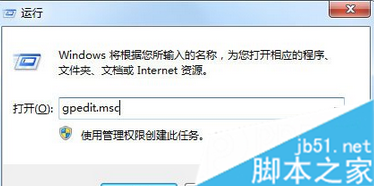
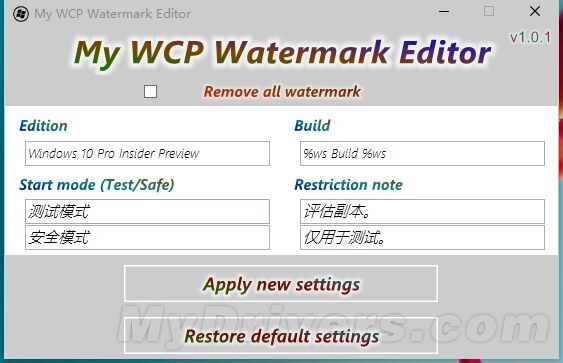
Windows 10 Build 10074 桌面右下角顯示測試版水印,強迫症用戶可用 Windows 8 時代的「My WCP Watermark Editor」移除(雖非專為 Win10 開發但相容)。
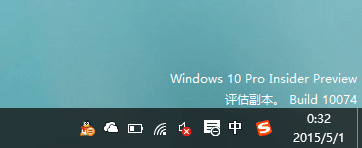
水印
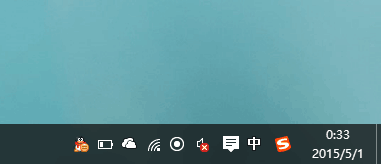
成功移除
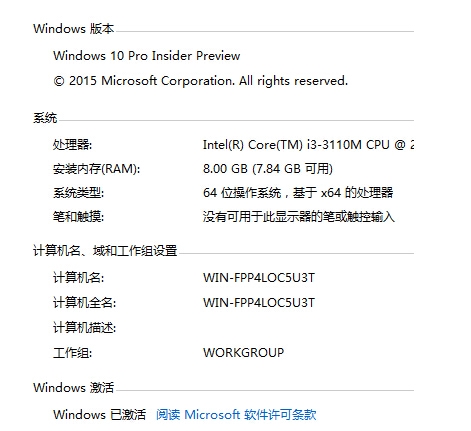
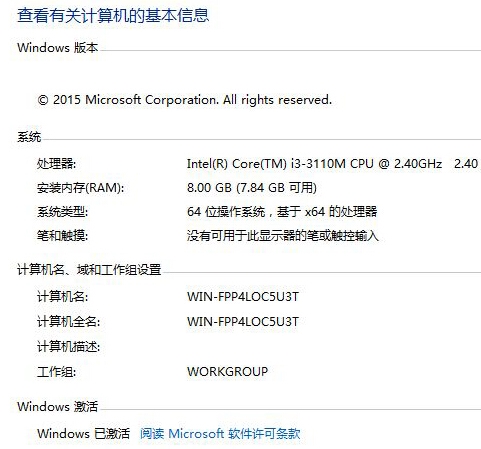
風險提示: 非針對 Win10 開發,可能導致「系統屬性」版本描述遺失、還原功能失效。建議使用前建立系統還原點或備份登錄,謹慎使用。
Win7/8.1 正版用戶 29 日零點免費升級 Win10,可回滾舊版,零售版 8/30 開售定價:家庭版 888 元、專業版 1799 元
Win7 無法安裝軟件?註冊表清理 SQMClient DisabledSessions 修復安裝服務
Win10 如何修改網路名稱 (網路 1/網路 2) 或刪除舊網路設定檔?登錄表編輯法圖解
Windows 10 Firefox Flash 外掛頻繁崩潰?關閉保護模式相容性修復教學
Win7 IE 管理增益集:停用/移除工具列、ActiveX、瀏覽器助手物件 (BHO)
別急著熬夜搶先體驗:Win9 技術預覽版僅限專業人士,普通用戶暫無緣