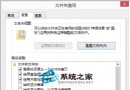
IE 突然無法開啟網頁(排除網路故障、病毒感染後),可嘗試重設 IE 至預設設定:
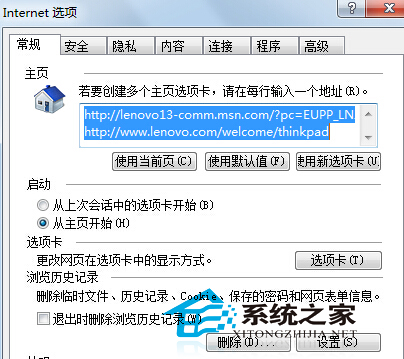
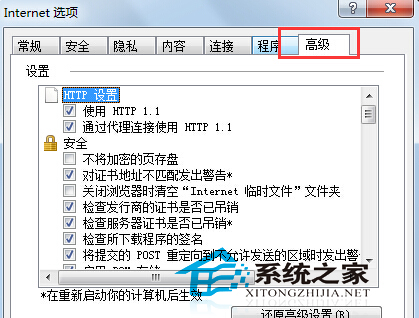
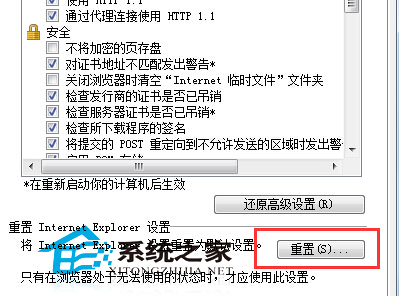
重設 IE 可解決多數設定損壞、增益集衝突導致的異常。
Win10 開啟 regedit 提示「檔案系統錯誤 -1073740771」?修復系統映像+調整 UAC 解決
Windows 7 開機 NumLock 指示燈不亮問題兩種解決方法
【影片】微軟發布 Win10 最新公益宣傳片:《升級你的世界》
Win8/8.1 安裝驅動程式提示「資料無效」?啟動 Device Install Service 與 DsmSvc 服務完美解決
Win10 如何調整虛擬記憶體大小?進階系統設定手動設定初始/最大值
刪除 C 槽 windows.old 資料夾釋放空間:磁碟清理工具一鍵移除舊系統備份