Windows XP Windows 7 Windows 2003 Windows Vista Windows 綜合教學 Linux 系統教學
Windows 10 Windows 8 Windows 2008 Windows NT Windows Server 電腦軟體教學
您现在的位置: Windows教程網 >> Windows教程 >  >> Windows 綜合教學 >> 關於 Windows

XP 回收站清空或刪除檔案如何救回?龍騰資料救援軟體掃描還原

編輯:關於 Windows

XP 系統仍廣泛用於教學機房,誤清空回收站導致重要檔案遺失時,需資料救援軟體協助。推薦 龍騰資料救援軟體 v4.1 專業版:

  • 全方位資料掃描修復技術,快速定位檔案目錄狀態。
  • 完美相容 XP/Win2003/Win2000/Vista/Win7/Win8。
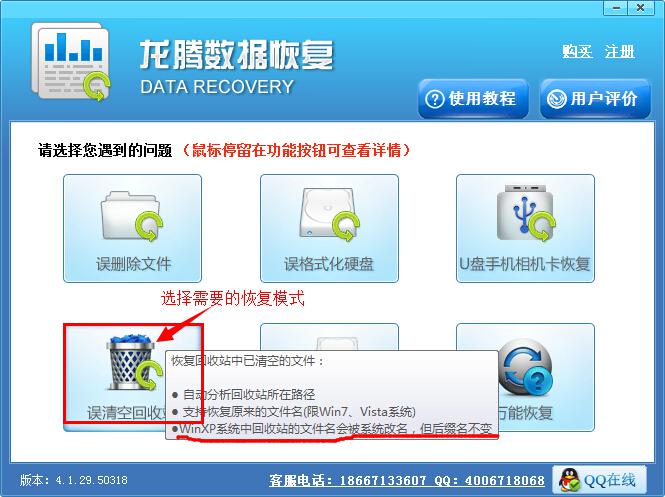
  • 針對回收站刪除檔案有專門「誤清空回收站」救援模式。

救援步驟

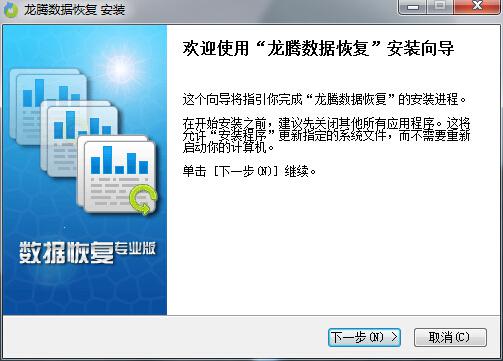
  1. 下載安裝(勿安裝在 C 槽避免覆蓋資料)。
  2. 選擇「誤清空回收站」模式。
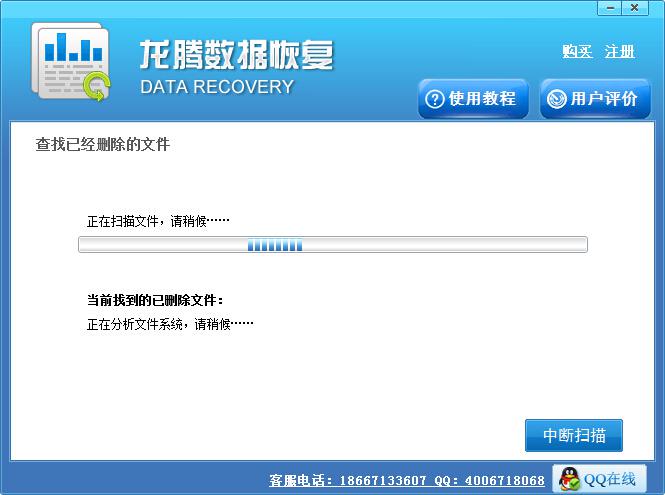
  3. 掃描回收站(速度極快)。
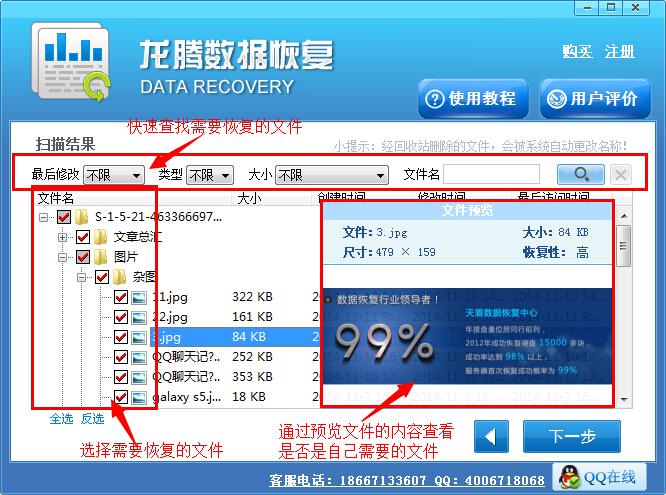
  4. 預覽檔案確認後勾選需救回項目。
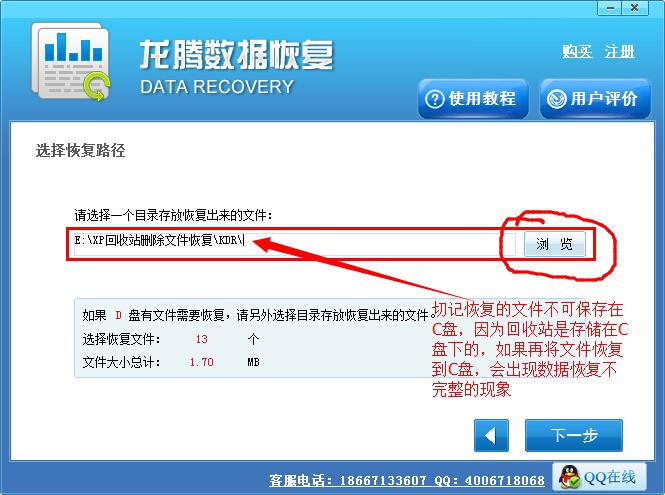
  5. 指定儲存位置(不可為 C 槽)。
  6. 等待救援完成。

及時停止寫入 C 槽、使用專業工具,救回機率極高。

Copyright © Windows教程網 All Rights Reserved