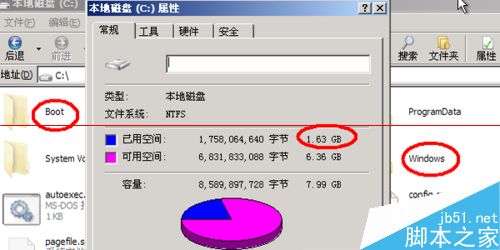
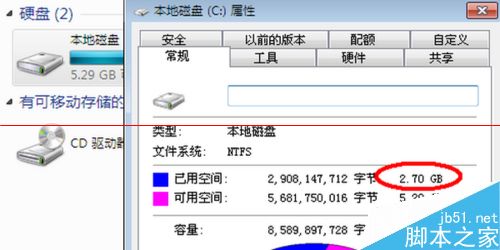
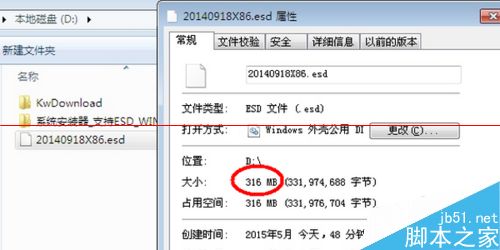
ESD (Electronic Software Download) 格式壓縮率極高(本例 316MB ESD 解壓後 1.63GB,安裝後佔 2.7GB),需專用工具部署。以 WinNTSetup 為例:
安裝步驟
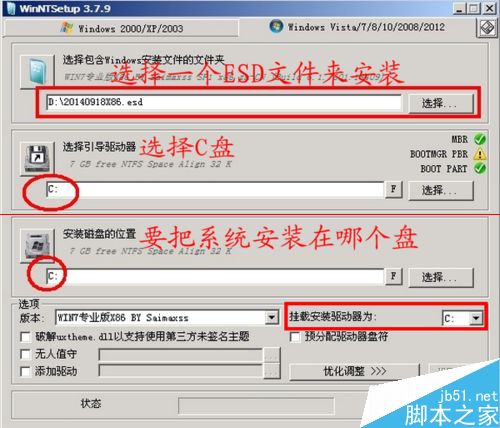
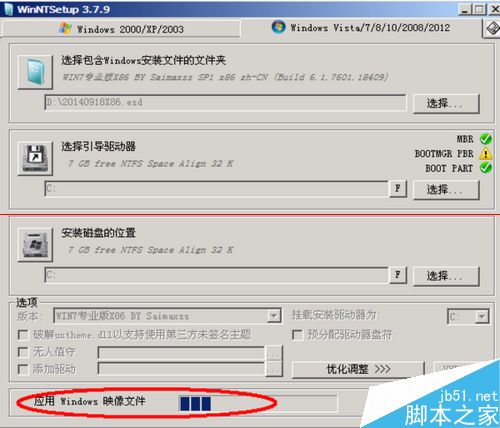
- 開啟 WinNTSetup,選擇 ESD 檔案路徑、引導磁碟(通常 C:)、安裝目標磁碟、版本(ESD 含多版本時選擇)、掛載磁碟。
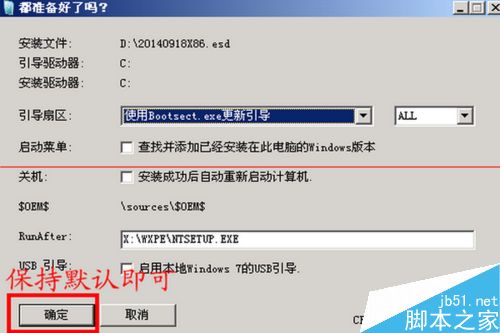
- 點擊「開始安裝」→ 保持預設選項確定。
- 等待解壓縮完成(出現 Windows、Boot 等資料夾)。
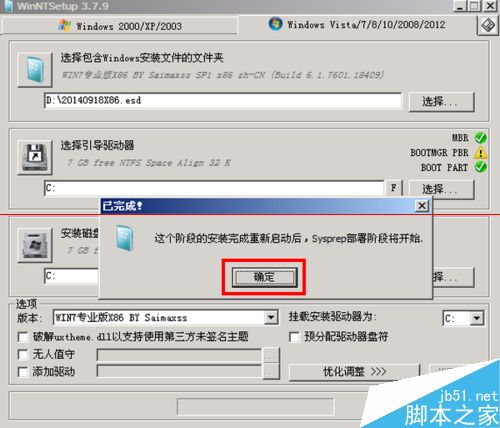
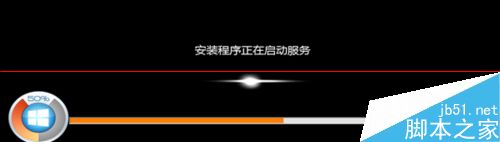
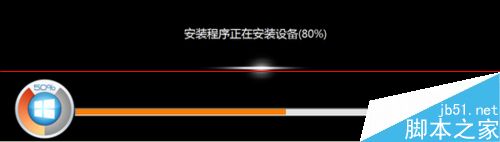
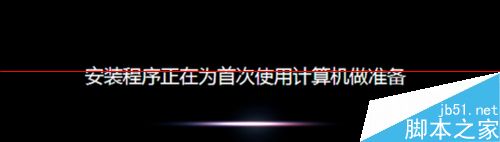
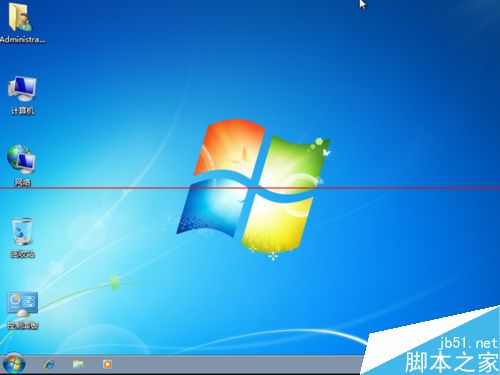
- 重新開機,自動進入 Windows 安裝程式完成部署。
優缺點比較
- 優點:檔案極小(316MB vs GHO 700-800MB+),傳輸下載快。
- 缺點:需額外工具、解壓過程較久、不支援傳統 Ghost 還原習慣。
適用於頻繁重灌、網路部署、USB 隨身碟安裝等情境。