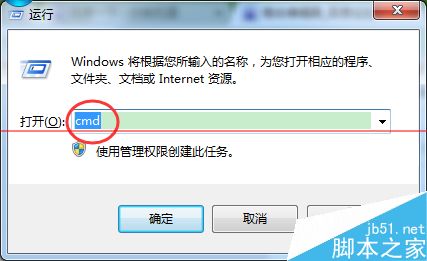
需快速設定靜態 IP 或 DNS 時,透過 netsh 指令比圖形介面更高效,適合腳本自動化或遠端管理。以下是完整指令語法:
# 互動模式
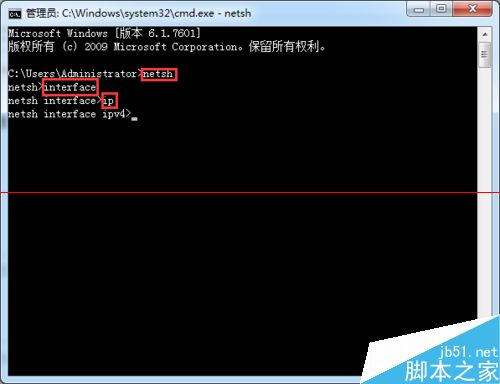
netsh
interface
ip
set address "連線名稱" static 新IP 子網路遮罩 閘道 1

# 單行指令(建議)
netsh interface ip set address "連線名稱" static 新IP 子網路遮罩 閘道 1

# 範例
netsh interface ip set address "乙太網路 3" static 192.168.1.108 255.255.255.0 192.168.0.1 1
netsh interface ip set address "連線名稱" dhcp
netsh interface ip set dns "連線名稱" static DNS位址
# 範例
netsh interface ip set dns "乙太網路 3" static 8.8.8.8
netsh interface ip set dns "連線名稱" dhcp
1 代表確認。熟悉 netsh 指令可大幅提升網路設定效率,是系統管理必備技能。
Win10 開機圖示巨大、字體模糊與解析度不符?調整文字大小 100% 並註銷,或重置電腦徹底解決
Win10 安裝 LoadRunner 完整圖文教學:含缺失 VC++ 2005 運行庫處理
Win10 善用 PowerShell 批量建立資料夾,效率倍增技巧
Win10 Mobile 週年更新預覽版 14352 本週三推送,修復大部分 Bug
Windows 10 第二波累積更新 KB3081438、KB890830、KB3087916 下載與安裝指南
微軟釋出 Win8.1 Update 3(11 月更新)改善硬體支援與穩定性