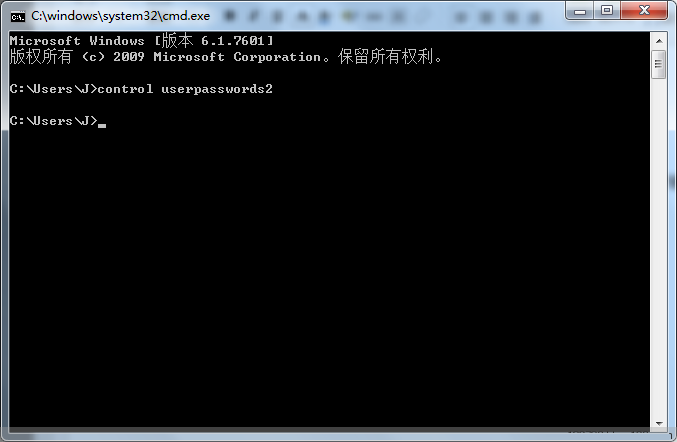
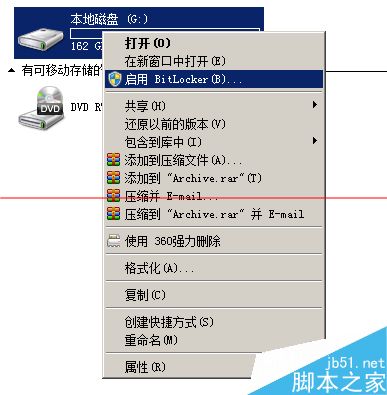
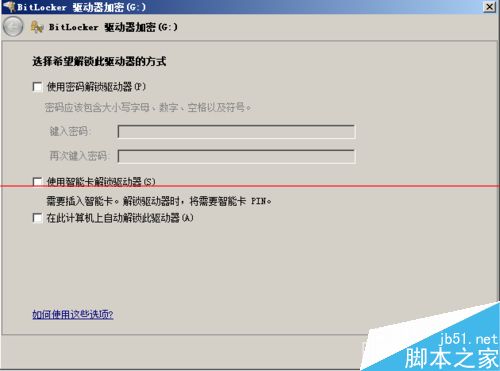
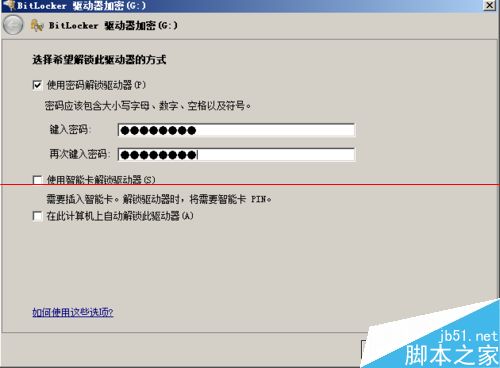
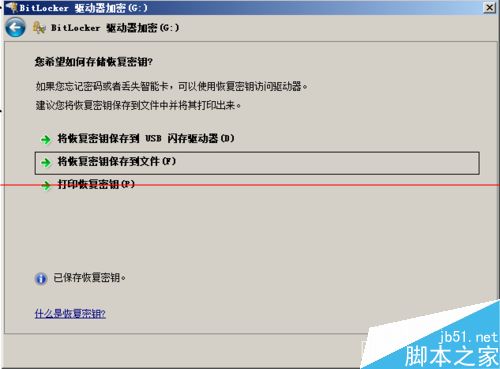
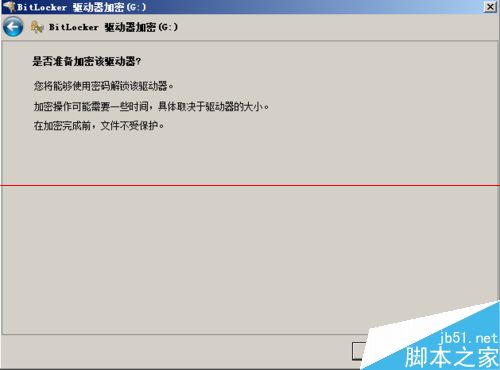
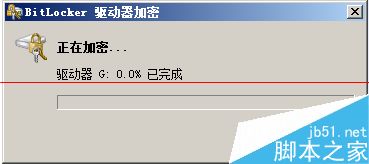
BitLocker 為 Win7 內建加密工具,操作步驟:
注意:
Win7 系統卡頓怎麼辦?用「Windows 體驗指數」找出效能瓶頸,針對性升級硬體
微軟為何停售 Windows 7?三大核心原因:為 Win10 鋪路、Win8.1 份額穩定增長、符合 5 年產品週期慣例
Win10 Build 10114 洩露:UI 介面大幅調整、開始功能表升級、Insider Hub 改版
Win10 AMD 顯卡「應用程式設定模式」開啟遊戲停止運作 解決方法
Win10 系統怎麼關閉 Superfetch 服務?禁止 Superfetch 自啟動教程
Win10 Mobile 一週年更新 14376 快速版推送:修復大量 Bug、提升穩定,升級需 40% 電量與 Wi-Fi