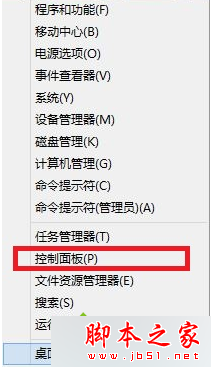
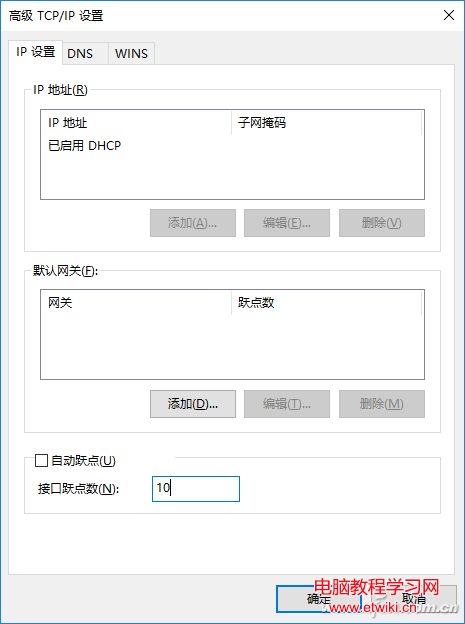
厭煩錯誤報告彈窗?關閉方法:
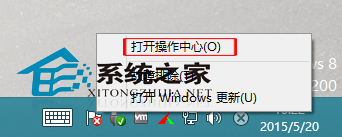
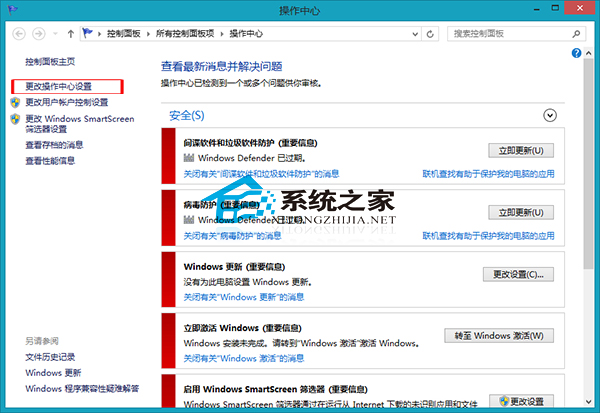
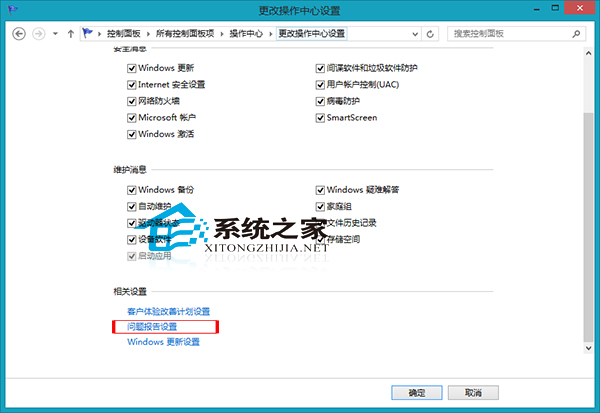
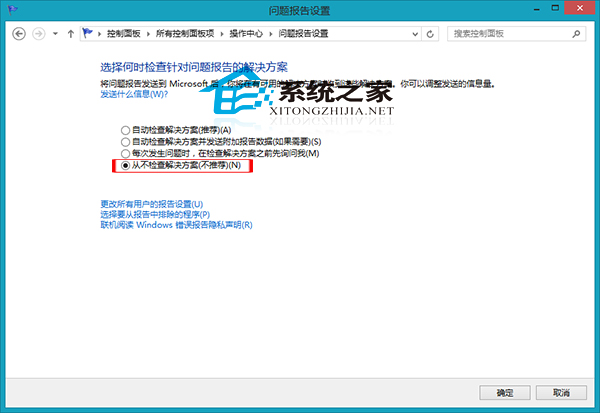
重開機後系統不再傳送錯誤報告,使用更清靜。
Win7 開機自動啟動 NVIDIA 設定怎麼關閉?停用 Display Driver Service 服務教學
Windows 7 任務排程器設定定時關機教學:指定時間自動執行 shutdown 指令
Win10 Redstone 重大更新新功能曝光:開始選單磚塊分組管理、命名、透明度提升
Windows XP 內建錄音機:零安裝、操作簡單的錄音小工具完整教學
Windows 9 還叫 Windows 9 嗎?版本號消失、命名變數與 Windows 365 願景
Win10 如何移除已安裝的更新補丁 (KB)?圖文教學防止自動重裝