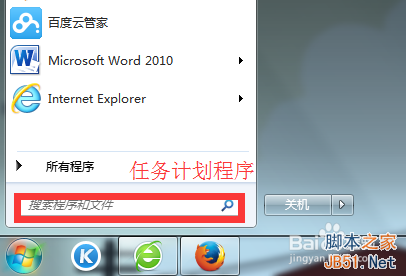
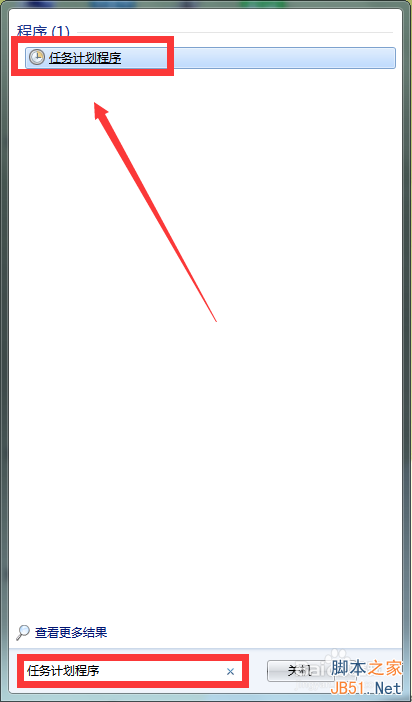
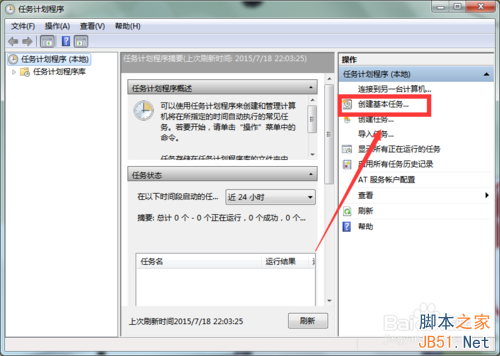
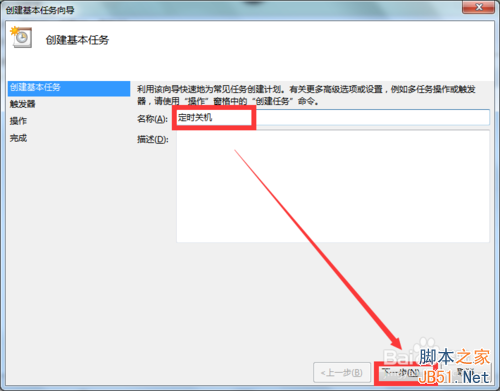
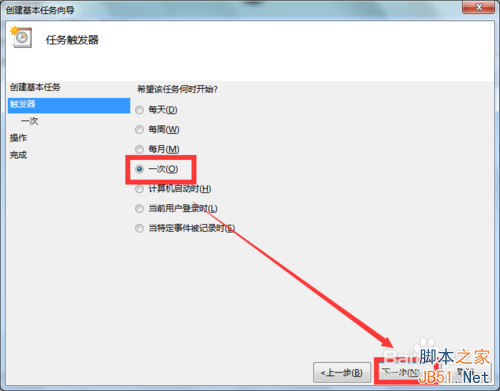
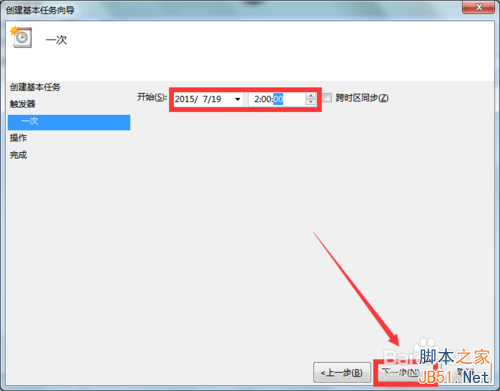
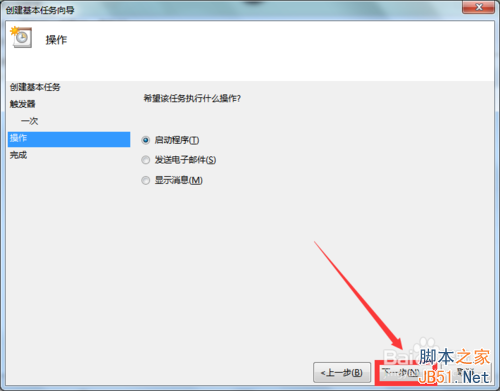
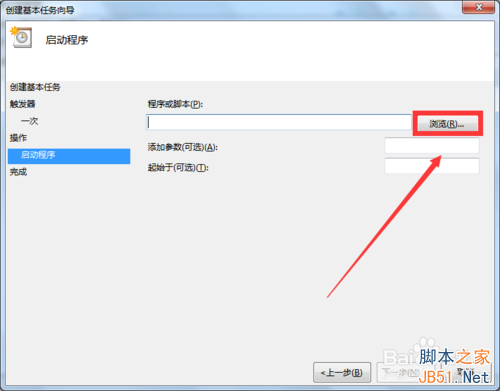
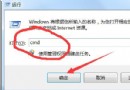
Windows 7 透過任務排程器設定定時關機:
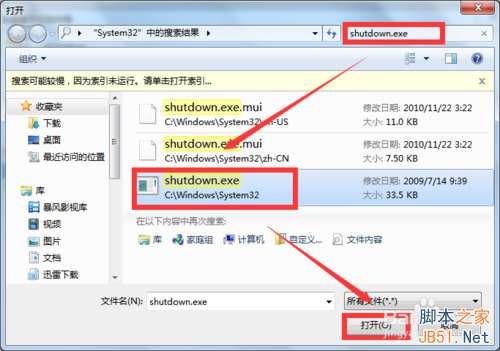
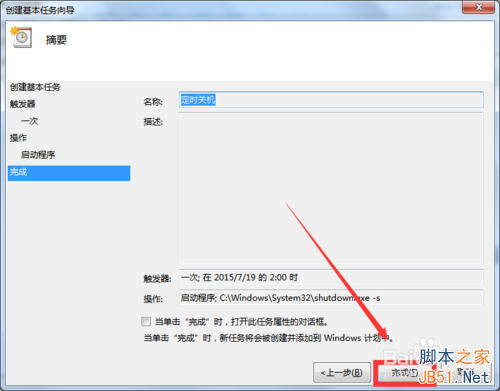
C:\Windows\System32\shutdown.exe
-s
-f -s
Windows 7 系統備份失敗 0x80070422 錯誤?啟動 Windows Backup 服務即可解決
Win8 純淨版透過登錄停用各類功能提示教學
Win7 磁碟管理開啟三法:控制台、電腦管理、指令直達
Win7 瀏覽網頁提示「只顯示安全內容」?調整 IE 安全性設定解決
Win7 連接隱藏 WiFi 完整教程:手動添加網絡配置參數圖文詳解
Windows 7 環境變數新增與修改完整圖文教學
WP8 手機只有 4GB 儲存空間能升級 Win10 Mobile(需 5GB)嗎?需外接 microSD 卡方可升級
Win10 控制台在哪裡?會被取代嗎?四種快速開啟方式與未來展望