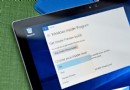
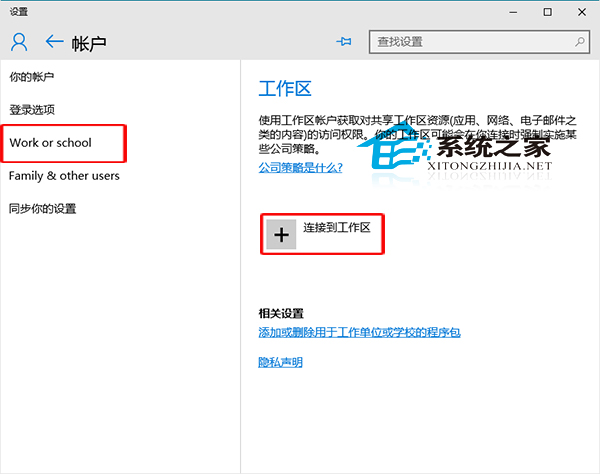
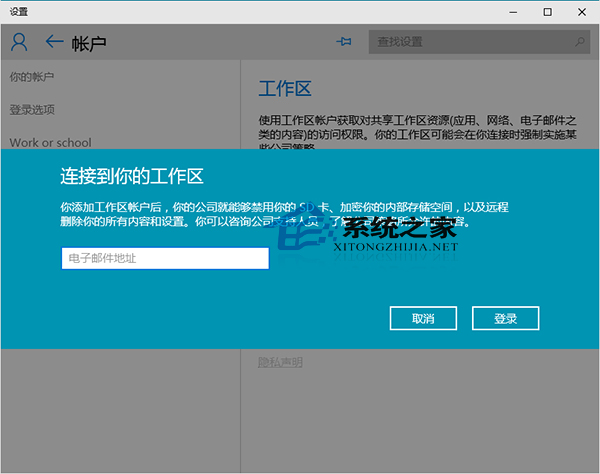
Win10 強化組織管理功能,支援新增工作區帳戶連接至企業/學校資源:
若開啟設定提示 explorer.exe 找不到元素,可嘗試切換「開始選單/開始畫面」模式後重試。
Win8 如何禁用機殼/鍵盤 Power 鍵避免誤關機?電源選項「不執行任何動作」
Windows 10 啟用休眠模式完整教學:睡眠與休眠差異解析
Win10 Mobile 14283 紅石預覽版支援機型:Lumia 950/950 XL/650/550、小米 4、Alcatel Fierce XL
Win10 9926 語音喚醒 Cortana (小娜) 完整設定:區域/語言改為美式英文 + 開啟 Hey Cortana
Win10 Build 10586.107 正式推送:主要修復 Bug