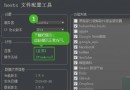
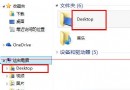
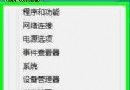
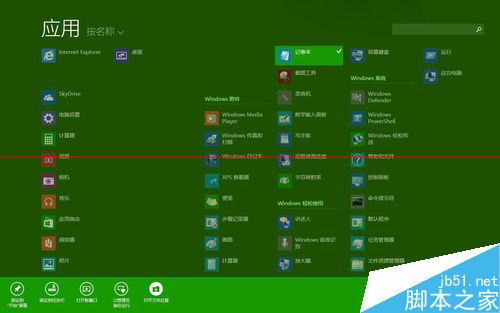
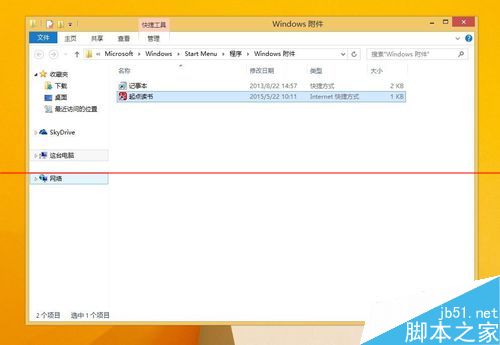
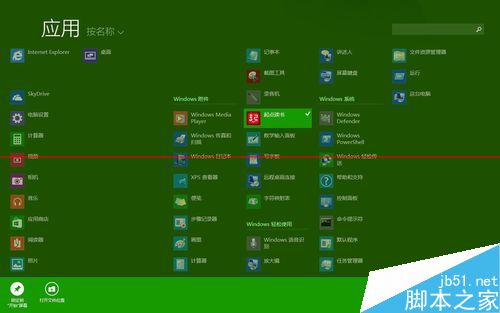
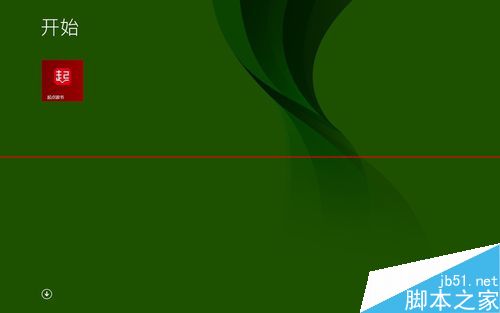
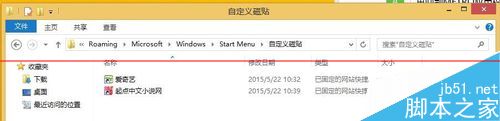
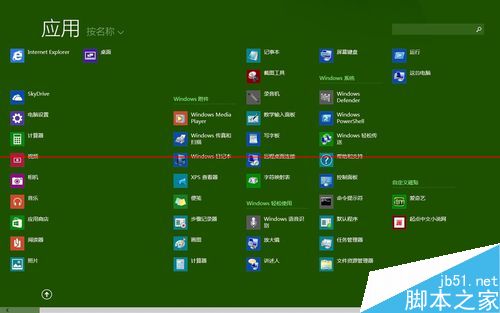
METRO 界面添加自定義磁貼步驟:

Win7 桌面多餘圖示刪不掉?修改登錄 NameSpace 徹底清除頑固捷徑
Win10 Build 10061 人脈應用程式閃退修復:清理 contacts.txt 暫存檔應急方案
Win10 通用版 QQ 5.0.6.0901 正式版上架商店 新增 QQ 郵箱入口
Win7 AMD 顯示卡驅動停止回應並已恢復?更新或重裝驅動解決
Windows Server 2008 實用技巧大全:桌面體驗、Aero、關機追蹤、登入優化、效能調校
Windows 7/8.1 如何移除持續彈出的 Windows 10 免費升級提示?卸載 KB3035583 更新
Win8.1 解決 Wi-Fi 連線受限/無法連線:啟用 FIPS 相容模式
Win10 Insider Preview 升級 Build 10547 完整流程:快速通道設定 > 檢查更新 > 自動下載安裝 > 重開機配置