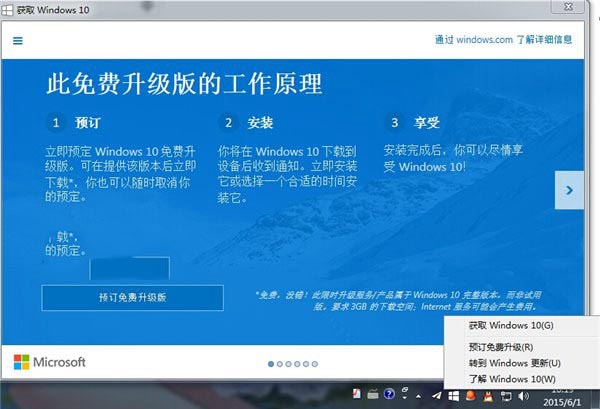
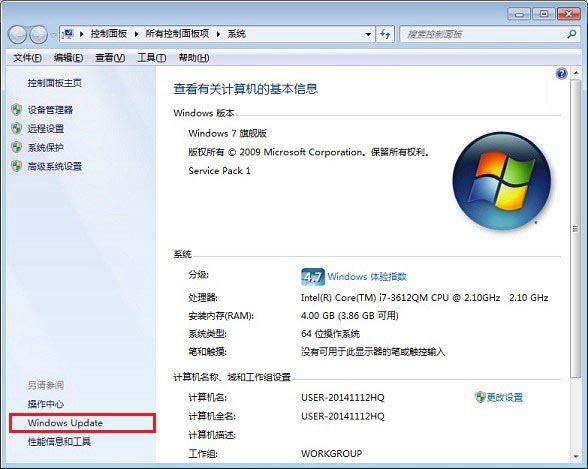
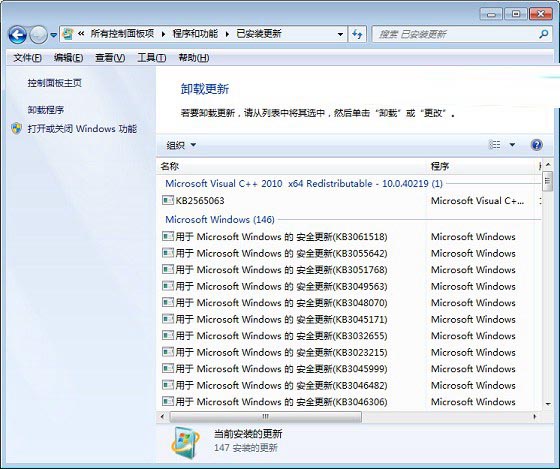
不想看到升級提示?兩步驟徹底移除:
KB3035583
若已自動下載升級助手,前往 C:\Windows\System32\GWX 刪除 GWX.exe 及相關檔案。
C:\Windows\System32\GWX
GWX.exe
Win8 應用商店消失了?執行 sfc /scannow 修復系統檔兩步驟找回
Win10 字體模糊不清晰怎麼調整?自訂縮放等級設為 100% 解決
Windows 8 系統設定定位功能圖文教學:從控制面板啟用位置平台
Win7 繁體軟體亂碼完美解決:安裝繁體語言包並切換非 Unicode 程式語言雙軌並行
Win7 網頁無法加入我的最愛?修復登錄表 Favorites 目錄指向即可解決
Win7 透過登錄表禁用光碟燒錄功能:釋放資源防止誤操作
Win10 TH2 正式版秋季更新十八大改進完整深度解析
微軟官方確認:Windows 10 PC/平板版 7 月 29 日推送免費升級,手機版稍晚推出