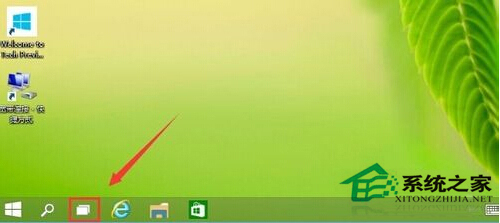
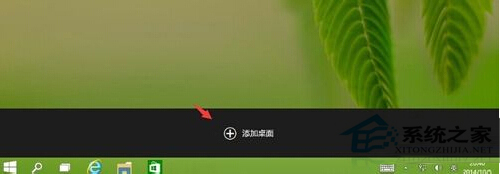
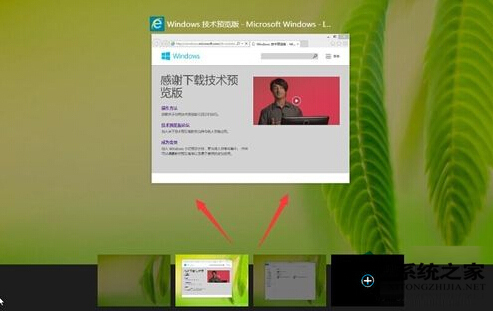
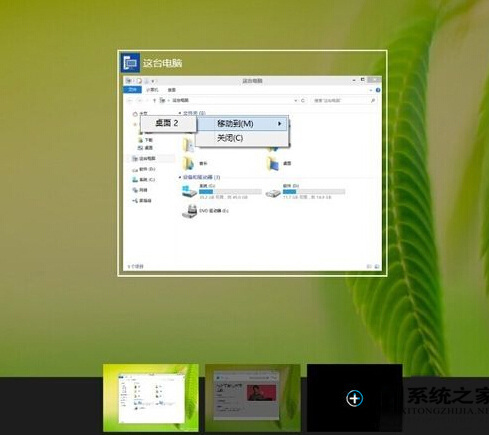
Win10 內建虛擬桌面功能(類 macOS Mission Control),工作列「工作檢視」圖示啟用。
虛擬桌面雖非真正多系統,但能邏輯隔離工作場景,大幅提升多任務整理效率。
Win10 關鍵錯誤:開始選單與 Cortana 無法運作,服務啟動 User Manager 修復法
為 Windows 8 Metro 開始畫面應用程式分組命名:整理磚群更有序
Win8.1 專業版如何進入安全模式?圖文步驟教學
WinXP 開機提示「找不到 comctl32.dll」?下載放入 System32 並註冊修復
Win10 重設預設應用程式完整教學:解決「無法變更」灰色無法點選問題
Win7 開啟程式彈出亂碼記事本?360 全盤掃描修復系統
Windows 7 隱藏資料夾的簡單方法
Win10 預設瀏覽器被鎖定為「啟動 Windows 應用程式」?解鎖第三方軟體鎖定恢復 Edge/Chrome 選擇權