Win10 鎖定畫面自訂方式與 Win7 不同,步驟如下:
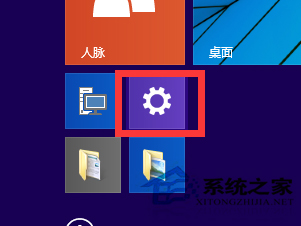


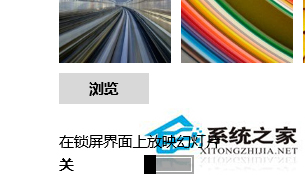
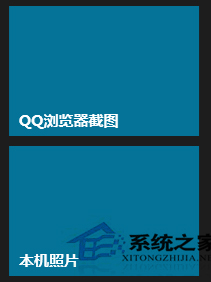
依個人喜好設定專屬鎖定畫面,網路可下載更多精美圖片。
Win10 Mobile/PC 應用商店升級:詳細列出應用內購項目與價格清單
慎用Win10 PIN碼登入!9926版無法刪除、無法登入,建議配合Win8.1設定使用
移除 Windows 登入/鎖定畫面電源按鈕:本地群組原則一鍵禁用
Windows 工作列頻繁假死?關閉「工作列動畫」徹底根治卡頓
Win10 如何忘記/刪除已儲存的 Wi-Fi 密碼?重新連線輸入新密碼完整教學
Win8 關機卡住「Program Manager 阻止關機」?三步徹底解決
Win10 無法啟動?數位授權機制、清潔安裝技巧與錯誤代碼完整解析
Windows 7 開機錯誤 0x000006d18 兩種解法:手動指令與批次檔重設 Windows Update 元件