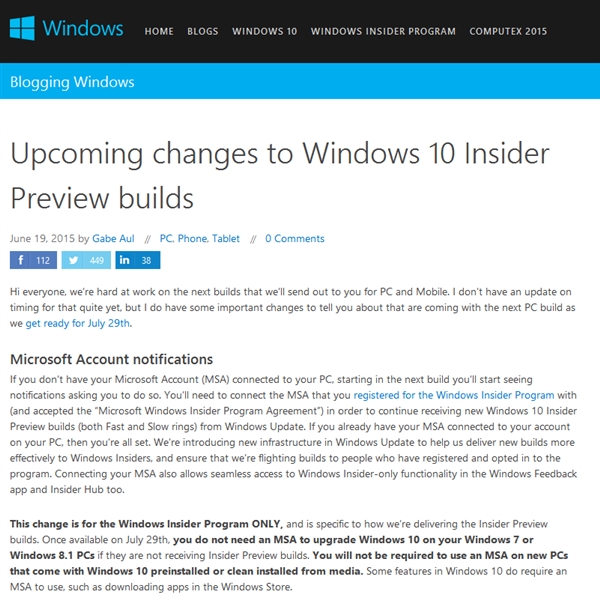
Windows Insider 負責人 Gabriel Aul 於官方部落格詳細說明預覽版轉正規則:
感謝 Insider 成員持續回饋,此免費轉正政策作為回饋福利。
Win7 全螢幕遊戲出現黑邊?登錄檔修改 Scaling 值解決
Win10 預覽版阻止自動安裝新版本:登錄表 RecoveredFrom 封鎖特定 Build 升級
Stardock Start10 讓 Windows 10 開始選單秒變 Windows 7 風格:支援清單檢視、搜尋列回歸、工作列質感自訂
Win7 工作管理員找不到「處理程序」頁籤怎麼辦?
Win10 善用 PowerShell 批量建立資料夾,效率倍增技巧
Win10 累积更新 KB3097617 详解:含 4 个安全补丁(内核/Shell/Edge/IE)
Win10 設定開機預設開啟數字小鍵盤:修改註冊表 InitialKeyboardIndicators=2
Win 10 重啟無法進入 BIOS 解決方法:關閉快速啟動或拔電源線