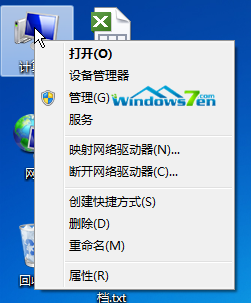
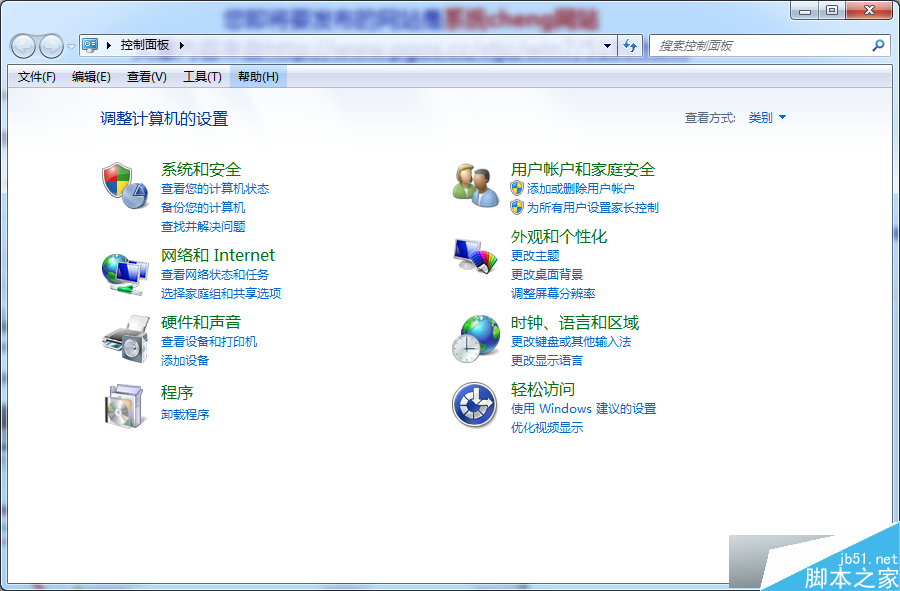
Win10 預覽版強制自動更新新 Build,透過登錄表封鎖特定版本號可暫時阻止升級:
regedit。HKEY_LOCAL_MACHINE\SOFTWARE\Microsoft\WindowsSelfHost\Applicability\RecoveredFrom(無則新增機鍵)。10049),數值 = 1。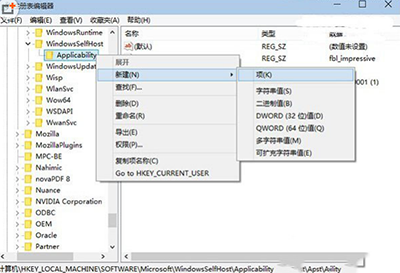
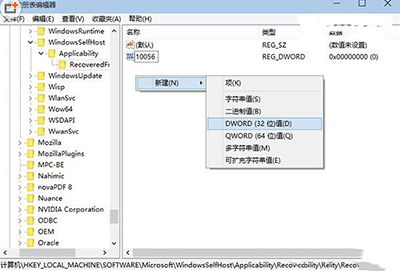
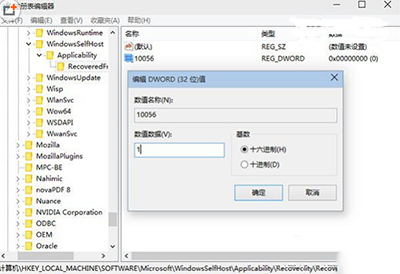
解封:刪除對應 DWORD 值。缺點:需預知新版本號,或預先建立多個可能版本號。微軟每推出新 Build 需重複操作,屬權宜之計。建議操作前備份登錄表。
Windows 開機報 BOOT\BCD 錯誤?安裝媒體一鍵修復 bcdboot 指令教學
Windows 10 升級錯誤 80240020 解決:註冊表啟用 AllowOSUpgrade 與 $Windows.~BT 手動安裝
Win10 桌面找不到「我的電腦/文件」?桌面圖示設定勾選「使用者的檔案」顯示
Win10 永久啟用後如何備份啟用金鑰?重裝系統離線還原教學
Win 8.1 使用 DISM 指令清理 WinSxS 資料夾冗餘更新
Windows 10 深色主題炫酷登場,Edge 瀏覽器夜間模式超性感
Surface Pro 3 / Surface 3 獲韌體更新,優化 Wi-Fi、藍牙並支援 Windows 10 新功能