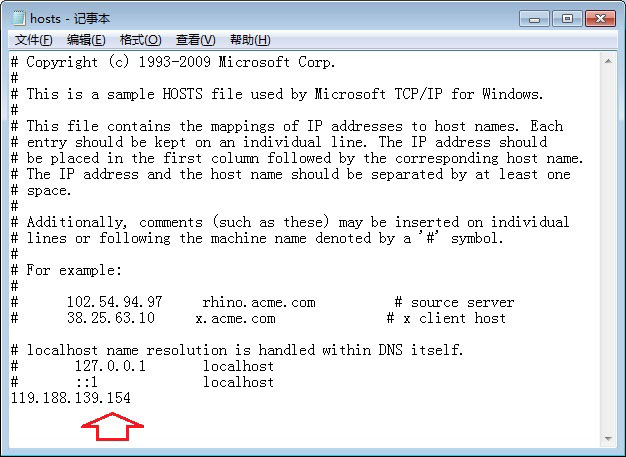
Windows `hosts` 檔案(`C:\Windows\System32\drivers\etc\hosts`)是本機 DNS 解析對照表,優先級高於網路 DNS 伺服器。善用它可實現網站 IP 指定、廣告攔截、惡意網站封鎖、加速特定服務訪問等功能。
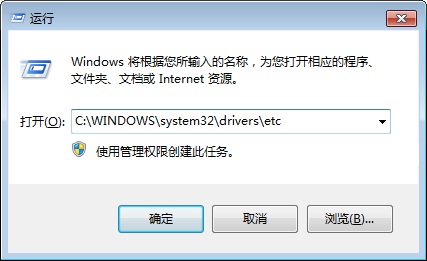
格式:`IP位址 域名`(中間以空白或 Tab 分隔)
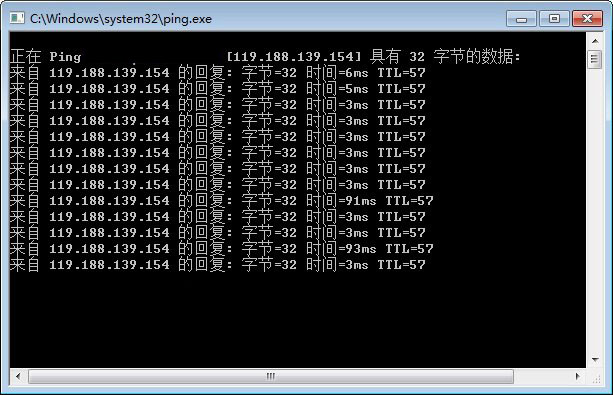
119.188.139.154 www.jb51.net
140.82.112.4 github.com
142.250.190.46 www.google.com
127.0.0.1 ads.example.com
127.0.0.1 tracker.analytics.com
127.0.0.1 m.jb51.net
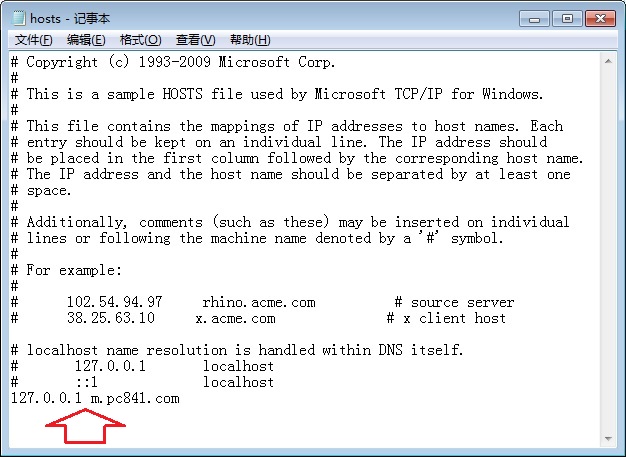

192.168.1.100 nas-server
192.168.1.200 printer-office
掌握 hosts 修改,掌控本機網路解析主導權。
Windows 7 旗艦版安裝 IIS(網際網路資訊服務)完整圖文教學
微軟徵才啟事暗示 Windows 或將融合 Android 應用生態
Windows 10 技術預覽版深度評測:免費升級、Spartan 瀏覽器、Cortana 整合三大亮點
Win8 執行 explorer.exe 報錯 0xc0000018?刪除登錄表 Image File Execution Options 修復
Win10 強制升級圖文教學:停用服務、清理快取、wuauclt 指令、檢查更新四步驟(需先預約升級)
英特爾產品路線圖洩露:Windows 10 with Bing 廉價版將釋出