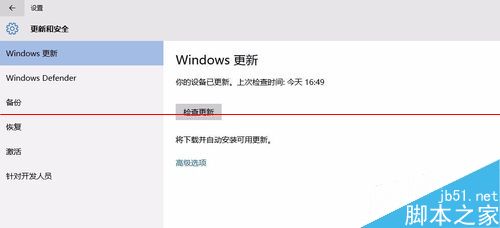
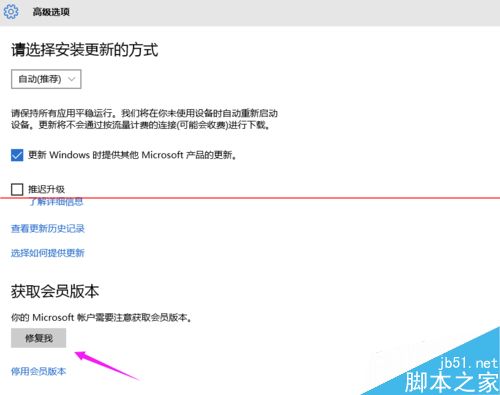
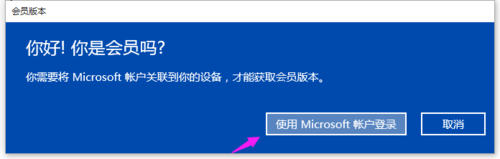
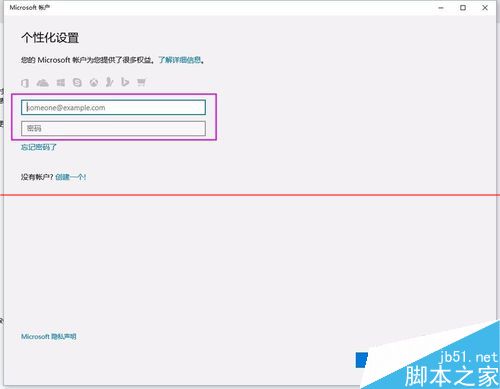
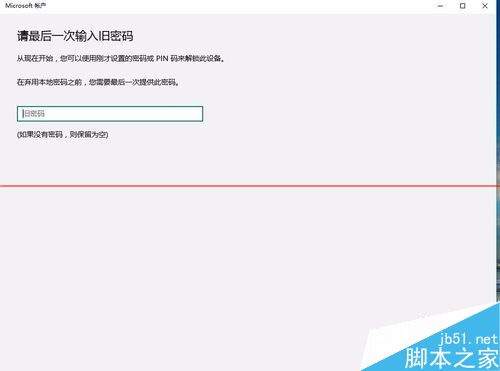
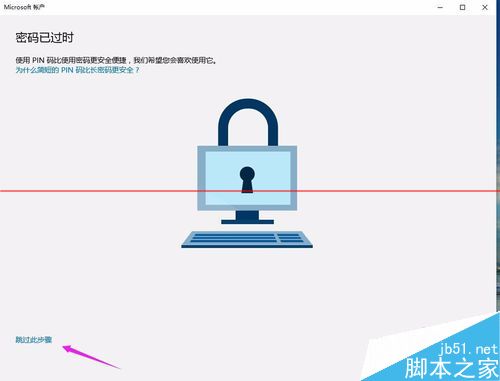
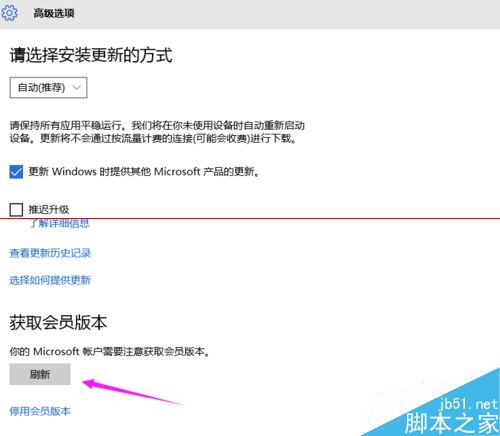
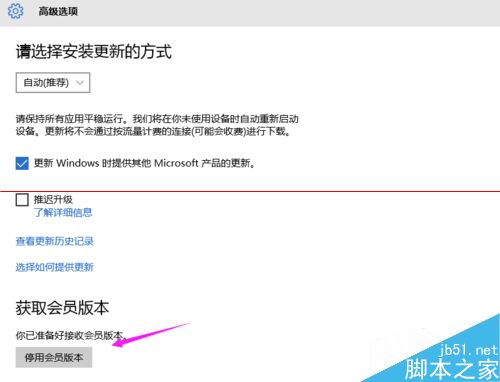
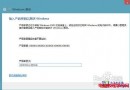
升級 10158 後必須將加入 Insider 計畫的 Microsoft 帳號綁定系統,才能接收會員版本並免費使用一年。步驟:
Windows 7 任務列圖示置中完整圖文教學
Win10 電源選項找不到「休眠」?啟用隱藏的休眠選項加入開始功能表電源選單
Windows 10 將支援 NFC 支付功能:跨裝置統一平台的新挑戰
XP 開機自動彈出瀏覽器廣告視窗?登錄刪除 Winlogon 下非預設值清除掛馬啟動項
Win8系統Chrome瀏覽器無法開啟提示「類別未註冊」?兩招快速修復
OEM 專供 Win10 預覽版 11103 安裝截圖曝光,水印仍為 11102
Windows 10 步驟記錄器是什麼?錄製操作步驟教學(含圖文與幻燈片模式)
Windows 10 玩遊戲彈出輸入法候選框/打字介面?一招徹底解決 Shift 鍵衝突