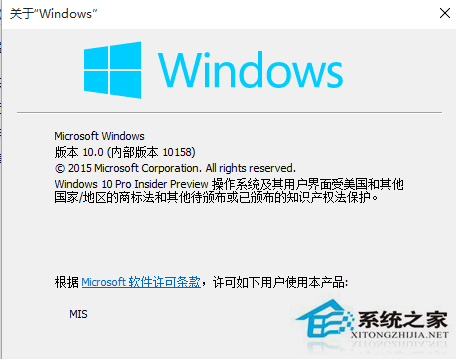
Win10 開始選單程式順序固定,升級至 Build 10156 以上版本後可自訂排序:

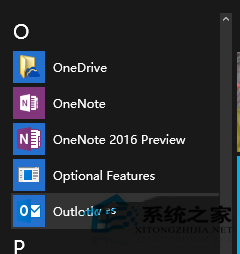
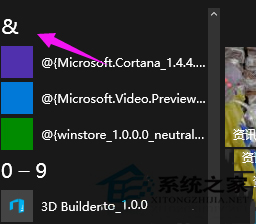
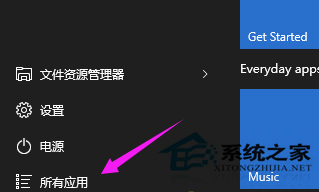
常用程式可調整至顯眼位置,提升啟動效率。
Win7右下角網路圖示不停轉圈?兩招快速解決「小電腦」狂轉問題
Win10 升級後 C 槽出現 Windows.old 資料夾?能不能刪?官方正確清理教學
Windows 7 建立系統映像備份完整教學:災難還原一鍵搞定
Windows 10 啟用 Windows Defender 廣告軟體封鎖功能 (PUA 保護) 登錄編輯教學
Win10 Mobile 應用程式商店下載錯誤 0x803F8006 修復:官方已修正,若仍發生可嘗試調整系統時間法強制重新整理
Windows 7 修改系統聲音(開機/關機/提示音)完整教學