右鍵磁碟屬性顯示已用空間與全選檔案屬性大小不符,主因是 System Volume Information 資料夾 (系統還原點) 受 NTFS 權限保護,隱藏且不計入檔案總大小。
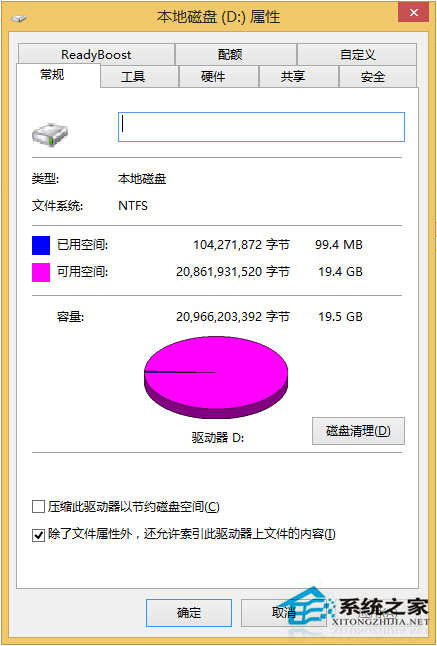
System Volume Information 查看屬性,通常顯示 0 位元組 (實際佔用空間不計入檔案統計)。開啟顯示隱藏/系統檔案後,磁碟已用空間與檔案總大小即可一致。
Windows Server 2003 安裝終端服務元件,實現多使用者遠端桌面連線
Win7 開啟側邊欄不影響桌面小工具擺放:右鍵加入小工具、拖曳任意位置、右下角預覽所有視窗
Win7 隱藏版超實用快捷鍵大全:視窗切換、鎖定、最小化、開啟資源管理器一覽表
Windows 10 技術預覽版啟用隱藏通知中心功能:第三方工具教學
Win10 應用程式商店如何切換全螢幕模式?隱藏選單一鍵進入沉浸體驗
9 月 20 日微軟中國 Win10 粉絲體驗會北京站名單揭曉:46 位幸運粉絲獲專屬邀請碼
Win10 安裝搜狗輸入法完整教學:官網下載 v7.8、取消廣告選項、Ctrl+Shift 切換
Win10 安裝 Splendid 提示缺少 .icm 色彩配置檔?官網下載對應機型 icm → 色彩管理手動添加設為預設