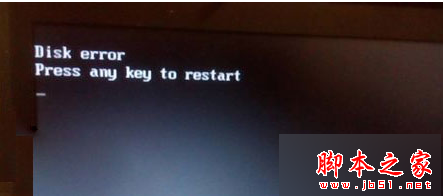
使用光碟安裝 Win7 時,系統常將安裝分區設為 C 槽,導致磁碟代號錯亂。透過磁碟管理修改代號後重啟會無法進入桌面,正確解法是利用安裝光碟執行「全新安裝」,系統會自動修正代號並將舊系統備份至 Windows.old。
Setup.exe,啟動安裝程式。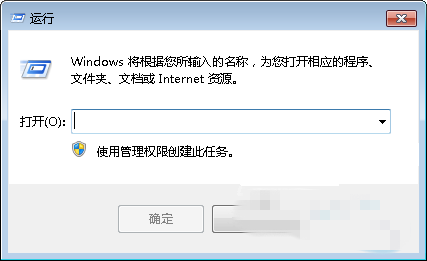
Windows.old 可手動刪除。此法徹底解決磁碟代號錯亂,且保留舊系統檔案備份,安全可靠。
Win10 Mobile 版「照片」應用更新 15.820.15552.0:UI 重設計、雙段式樞紐、單手操作優化
Win10自動更換桌面壁紙設置教程:幻燈片模式、自定義間隔、隨機播放全配置
Windows 8/8.1 筆電改裝 Windows 7:BIOS 設定完整教學 (關閉 Secure Boot、啟用 CSM/Legacy 模式)
Win8.1 程式執行閃退 APPCRASH 錯誤?乾淨啟動隔離衝突軟體、清理殘留外掛
Win7 如何更換 IE 瀏覽器桌面圖示?右鍵屬性「變更圖示」即可
微軟重申 Win10 隱私權政策:三大原則守護用戶數據,承諾不掃描郵件/通訊/個人檔案投放廣告