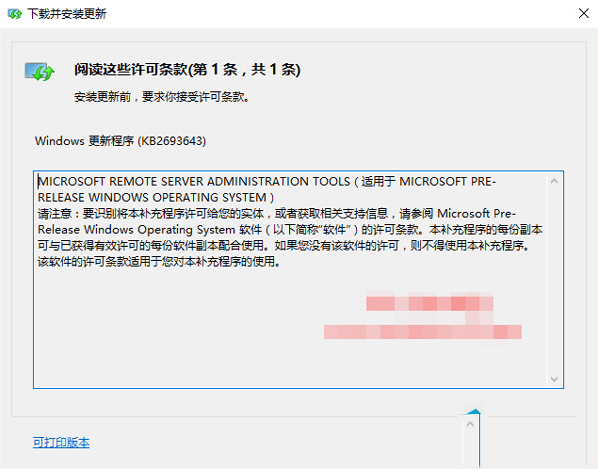
Win10 安裝內建應用(如「人脈」、「行事曆」、「郵件」)時出現 0x80073cff 錯誤導致安裝失敗。以下為解決方法。
Get-appxprovisionedpackage -online | where-object {$_.packagename -like "*windowscommunicationsapps*"} | remove-appxprovisionedpackage -online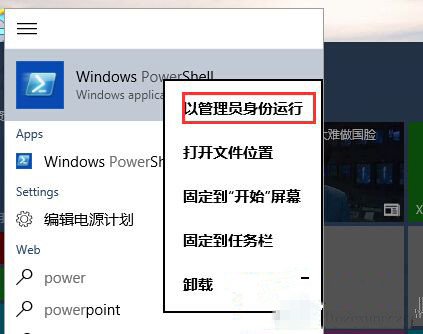
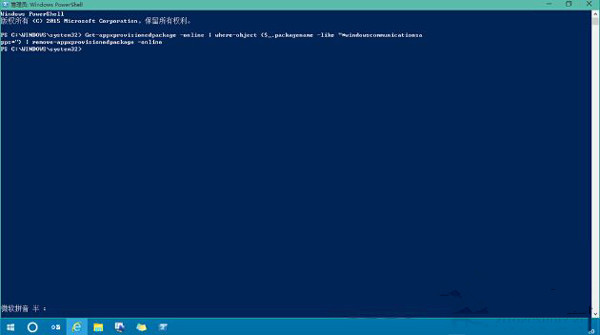
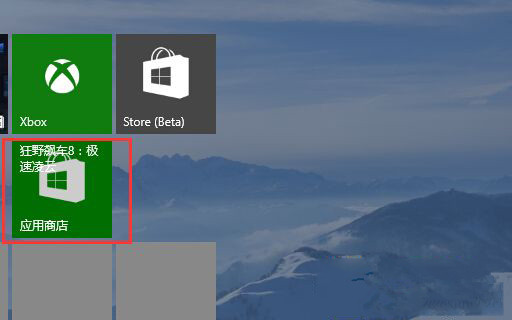
此方法適用於大多數應用商店應用安裝失敗問題。
XP 關機報錯 RICONMAN.EXE 記憶體無法讀取?停用讀卡機/Realtek 音效啟動項修復
Windows 10 關閉 Bing 工具列自動更新:重命名 Catroot2 資料夾停止 CryptSvc 服務
Win10 Mobile 10581 更新內容完整彙總:Bug 修復、效能提升、Hey Cortana 恢復、社交應用發圖修復
Win7 升級 Win10 後 C 槽清理:磁碟清理移除 windows.old 與暫存安裝檔釋放 10GB+ 空間
Win10 VC++ 2012 更新 KB3119142 陷入無限安裝迴圈?官方尚無對策,暫時隱藏更新避坑
Win10 Build 10130 官方簡體中文 ISO 下載 (64/32 位元、含產品金鑰、Fast Ring 版)