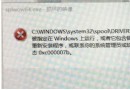
Windows 7 進入睡眠後喚醒出現黑屏,多與硬體驅動或 BIOS 設定有關。以下提供具體排除步驟。

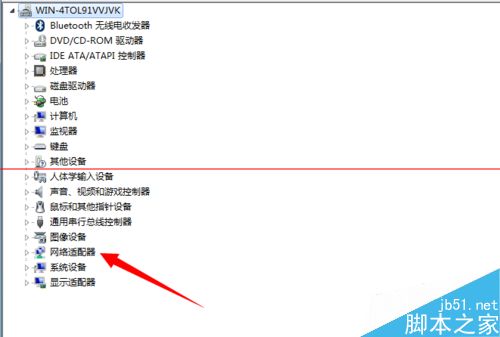
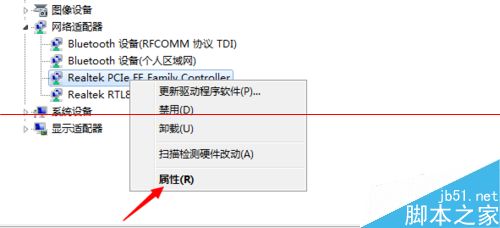
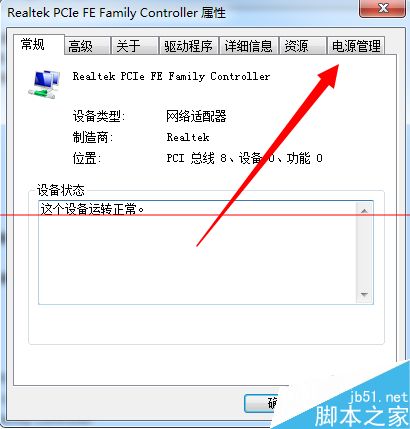
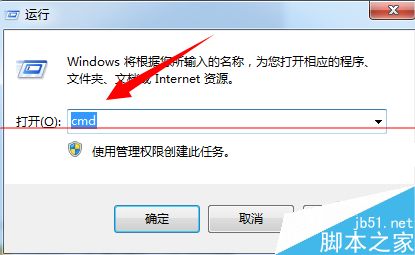
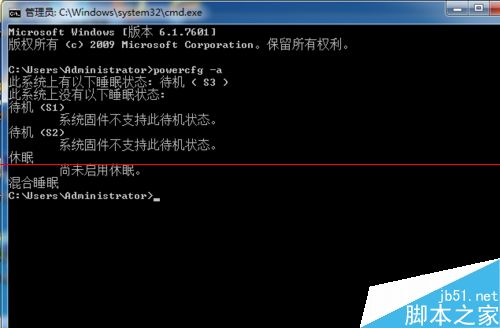
cmd 進入命令提示字元。powercfg -a 查看可用睡眠狀態,確認電源裝置是否正常。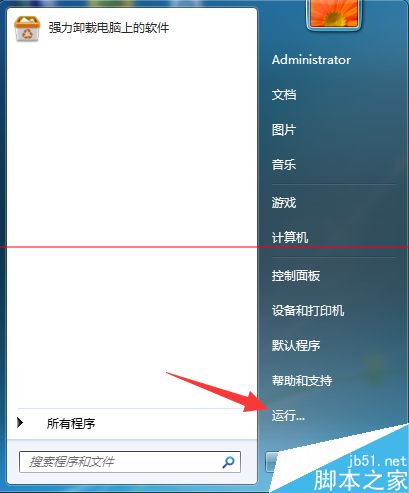
若問題持續,建議更新顯示卡驅動、檢查 BIOS 電源管理選項或重裝電源管理驅動。
Windows 8 Metro 應用程式如何關閉?兩種退出方法圖解
Windows 10 Build 9926 實測體驗:比 Windows 8 好用,平板/筆電無縫切換
Windows 10 RTM 正式版將於 6 月底完成編譯:WZor 爆料時間表提前
Windows 10 平板模式關閉應用程式完整指南:觸控、滑鼠與工作切換器操作
Win7 升級 Win10 後 IE/Edge 無法播放影片?啟用 Flash Player 與更新插件
Windows 10 使用者集體抗議:微軟拒絕提供更新日誌,Feedback Hub 高票呼聲被無視