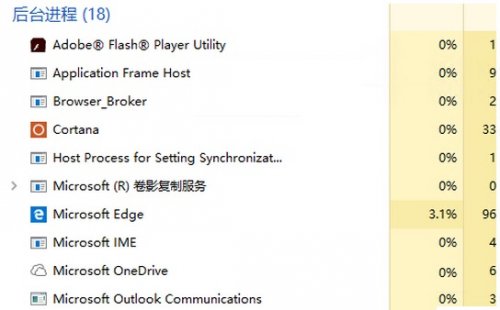
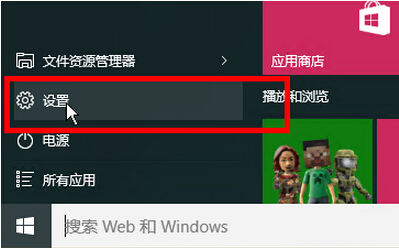
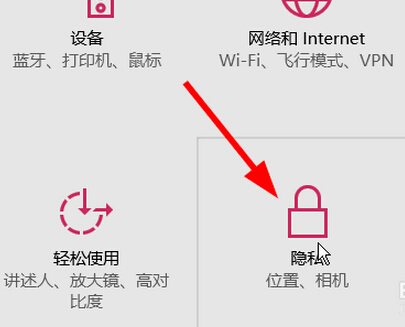
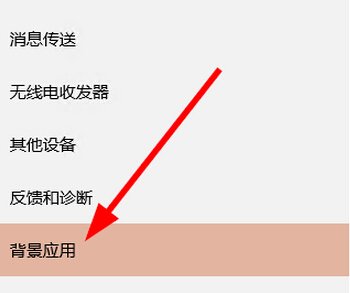
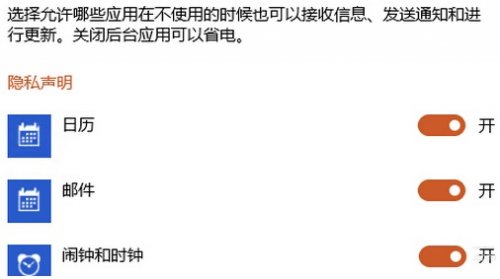
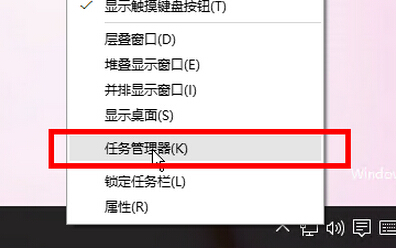
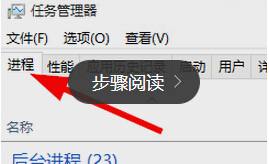
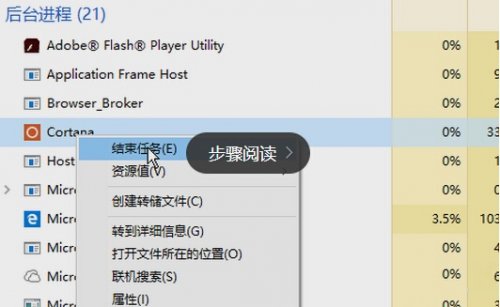
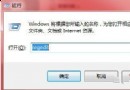
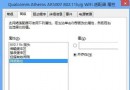
Win 10 關閉軟體後常仍在後台運行導致變慢,可禁止後台運行:
Win 10 用戶可依需求調整。
Windows 10 Build 10134 安裝上手操作體驗影片 (搜狐視頻)
Windows 10 Mobile 10512 已知問題與解決方案完整彙整
啟用 Windows 7 AHCI 模式提升硬碟效能
Windows 7 群組原則優化:停用 NetMeeting、Media Player、錯誤回報、行動中心、家庭群組等非必要元件
Windows 7 任務列顏色不喜歡?「視窗顏色」設定自訂專屬配色
Win7開機跳出「USB Root Hub」提示?三步排查修復USB控制器異常
微軟 Win10 發布會確認:不支援 Android 應用,通用應用成殺手鐧
Win10 正式版如何查看 OneDrive 免費容量?任務列雲朵圖示與網頁版雙管道