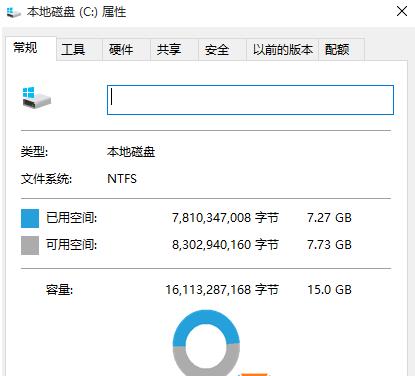
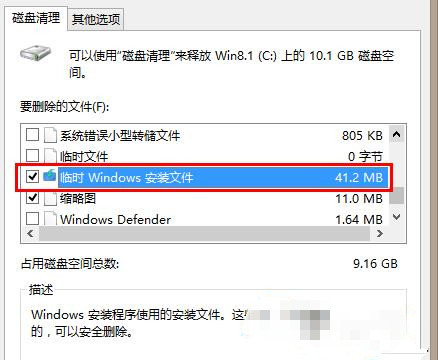
升級 Win10 後,C 槽根目錄隱藏資料夾 $Windows.~BT 佔用數 GB 空間,實為安裝暫存檔,升級完成後無任何作用,可安全刪除。
$Windows.~BT
替代方案:顯示隱藏檔案後,直接以管理員權限刪除 $Windows.~BT 資料夾,效果相同但較不正規。建議使用磁碟清理避免誤刪其他系統檔案。
【影片】Win10 Build 10074 有哪些變化?上手操作影片展示 Cortana、新音效、模糊透明效果
Win10 Win+ 組合鍵大全:17 個必記高效率快捷鍵圖文詳解
Windows 10 升級 10159 失敗怎麼辦?五大解決方案:帳號驗證、修復我、切換快速通道、重啟更新服務、重裝/回滾
海爾筆電 U 盤重裝 Win7 系統完整圖文教學:U極速啟動盤製作、GHOST 映像部署、BIOS 設定與驅動安裝
Win10 10525 無法啟動官方解決方案:必須在已啟動 10240 的裝置上安裝
Win8 如何自訂 Metro 開始畫面背景與顏色?
Win7 瀏覽網頁提示「只顯示安全內容」?調整 IE 安全性設定解決
Win7 安裝金山毒霸提示「安裝引擎失敗,不支援此介面」解決方案:衝突源為 ACDSee 迷你版