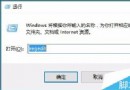
習慣雙拼輸入的用戶升級 Win10 後需重新設定。微軟拼音內建支援雙拼方案,無需安裝第三方輸入法即可使用。
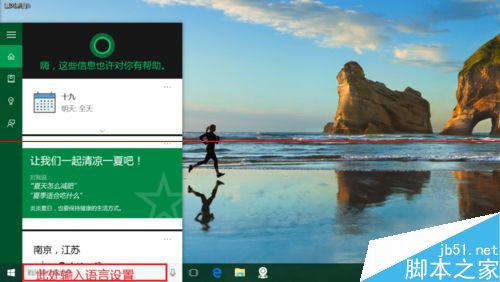
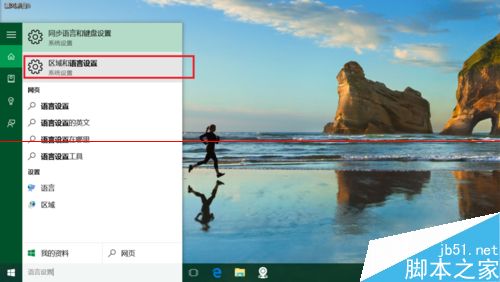
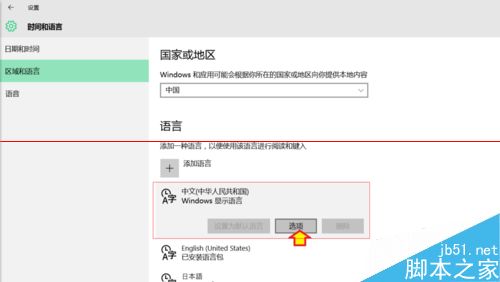
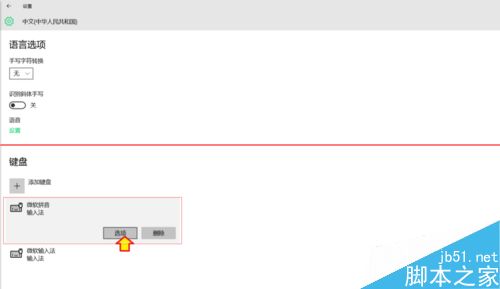
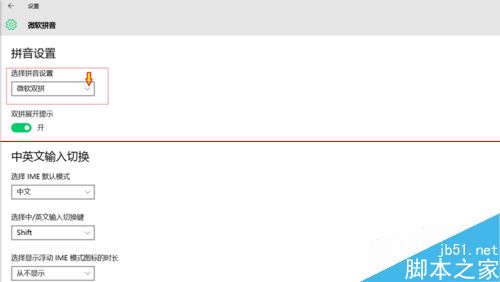
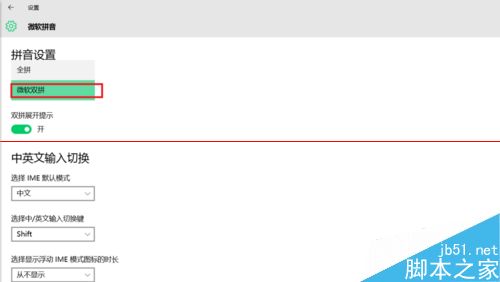
使用搜狗、百度、微信輸入法等第三方輸入法的用戶,請直接在該輸入法設定介面切換雙拼模式。
Windows 10 桌面找不到 IE 瀏覽器?透過註冊表快速建立捷徑
Win7 開機顯示「press any key to restart」無法進入系統?五大修復步驟排查硬碟故障
Win10 便箋升級為 OneNote?啟用雲端同步與跨裝置筆記完整教學
Windows 8 移除桌面捷徑小箭頭與盾牌圖示小工具一鍵搞定
Windows 7 透過群組原則停用 Aero Shake 搖動最小化功能
微軟推送 Win10 Build 14328 快速版:開始選單重設計、Windows Ink 強化、騰訊遊戲受影響
Win7 手動啟用 Windows Event Log 服務報錯 4201?權限修復 RTBackup 資料夾 + 重啟服務