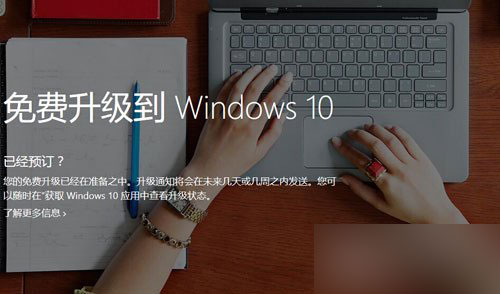
Windows 10 於 2015 年 7 月 29 日正式釋出,符合條件的 Windows 7/8.1 裝置可免費升級(限時優惠)。本文依官方指引說明預約與升級標準流程。
Windows 7 網路加速:修改登錄 TCP 接收視窗大小提升傳輸效率
Win10 週年更新 14352 上手體驗影片:新圖示、Cortana 整合、Windows Ink 改進、便利貼關聯版面
XP 啟用休眠提示「拒絕存取」?關閉再開啟休眠或刪除 hiberfil.sys 解決
Win10 如何完整儲存整個網頁(長截圖/離線封存)?瀏覽器另存為與擴充功能教學
Win8.1 開啟裝置管理員三法:檔案總管右鍵這台電腦、Win+X 選單、設定 → 關於 → 裝置管理員
Win7 不重裝系統拆分磁碟分區完整圖文教學 (含整數分區技巧)