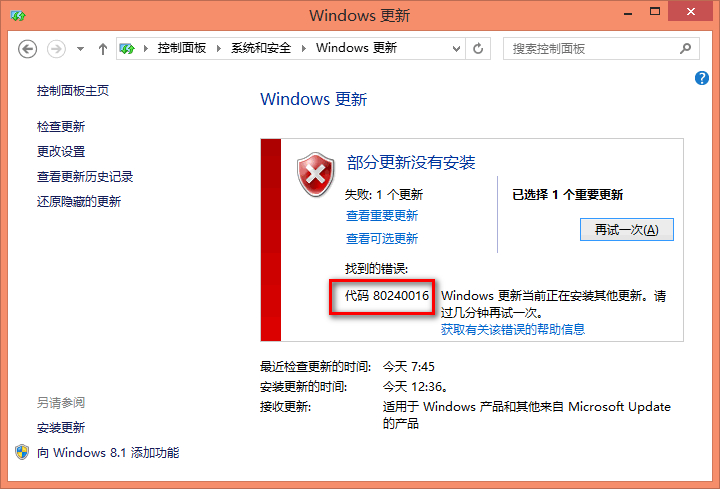
升級 Win10 出現錯誤碼 0x80240016 (80240016),官方說明:系統正在進行其他安裝,或權杖過期。解法為停止再啟動 Windows Update 服務,重新取得使用者權杖。
官方標準流程
- 關閉所有 Windows Update / Microsoft Update 視窗。
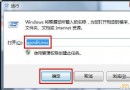
- 開始 → 輸入「cmd」→ 右鍵「命令提示字元」→ 「以系統管理員身分執行」。
- 依序輸入以下指令,每行按 Enter:
net stop wuauserv
net start wuauserv
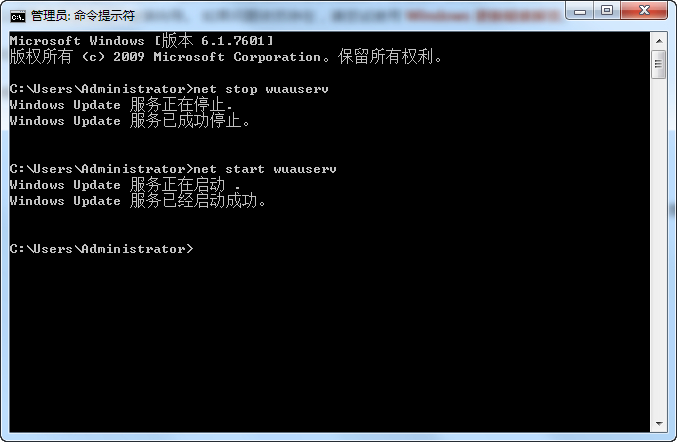
- 輸入
exit 關閉視窗。
- 重新執行 Windows Update。
技術原理
- 錯誤 80240016 表示 Windows Update 無法存取使用者權杖。
- 權杖包含基本憑證,允許 Windows Update 以您身分變更電腦設定。
- 長時間未重開機導致權杖過期,或「自動更新」背景執行時前景手動更新衝突,皆會觸發此錯誤。
- 停止再啟動「自動更新」服務即可重置服務並重新取得權杖。
適用錯誤碼
WindowsUpdate_80240016 / 0x80240016