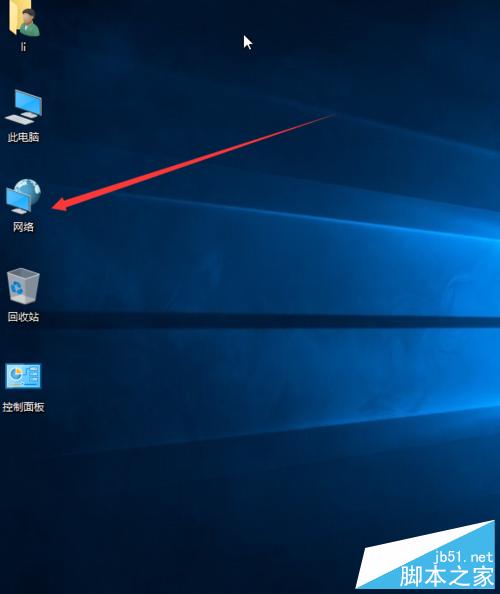
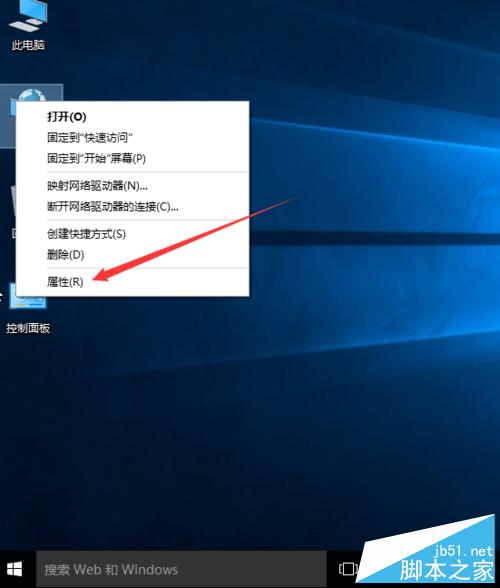
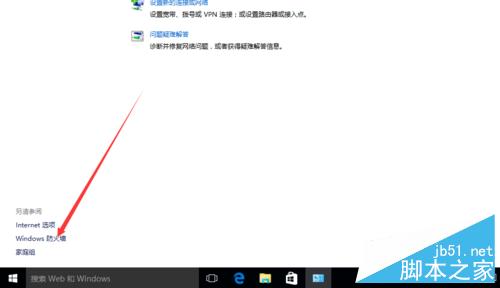
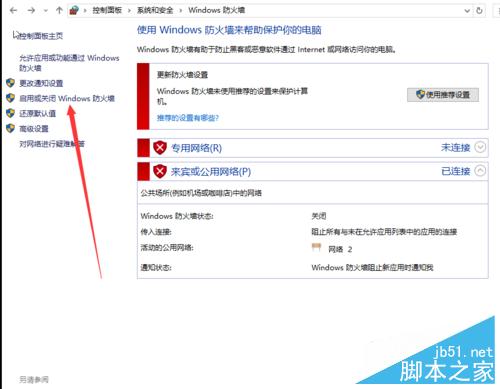
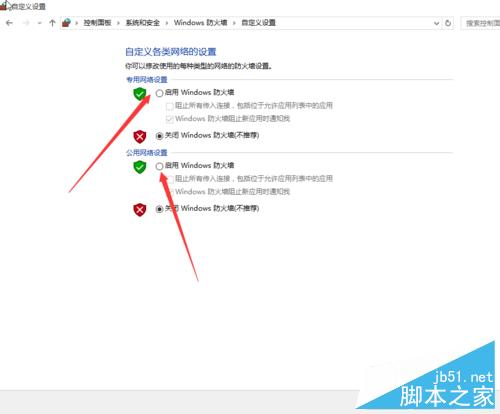
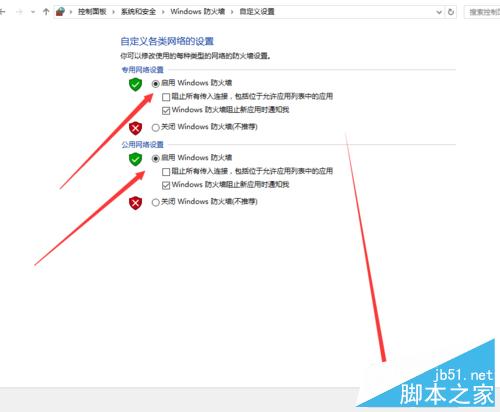
Windows 10 內建防火牆開啟/關閉方法與舊版類似,以下圖文教學。
設定完成即可開啟/關閉防火牆,操作簡單直觀。
WinXP 控制台左側「切換分類檢視」消失?群組原則一鍵恢復
Win10 設定頁面無法開啟?微軟官方修復工具一鍵解決
Windows XP 共用印表機連線失敗?緊急排查與完整設定教學
WordPress 後台編輯器鍵盤快捷鍵完整指南
Windows 8 硬碟安裝 Windows 7 雙系統完整教學(NT6 HDD Installer)
Win10 Build 10532 快速版推送:右鍵選單現代化、Feedback 可分享、EdgeHTML 強化
Windows 10 Redstone Build 11082 已知問題完整彙總:語言包失效、檔案進度條消失、預設應用被重置
Windows 7 變更時區設定教學