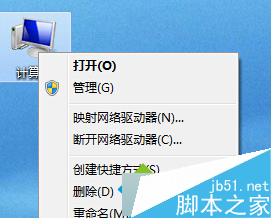
升級 Windows 10 後螢幕持續閃爍無法使用,微軟社群審閱人 Alex_Shen 提供解決方案:進入安全模式停用兩項服務。
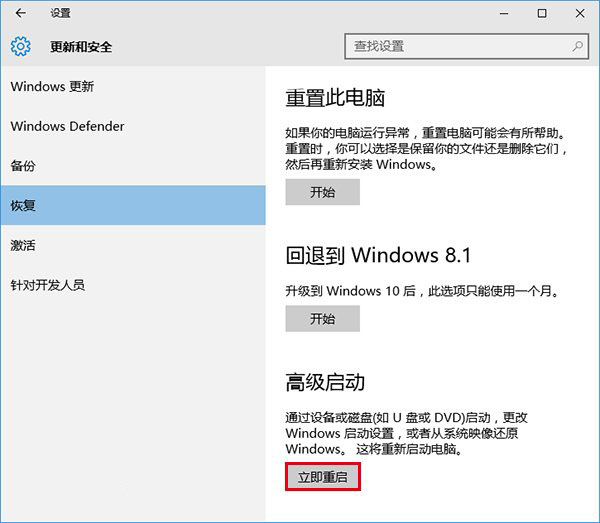
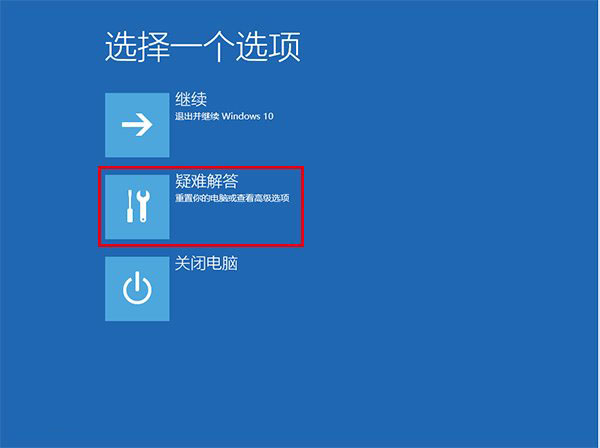
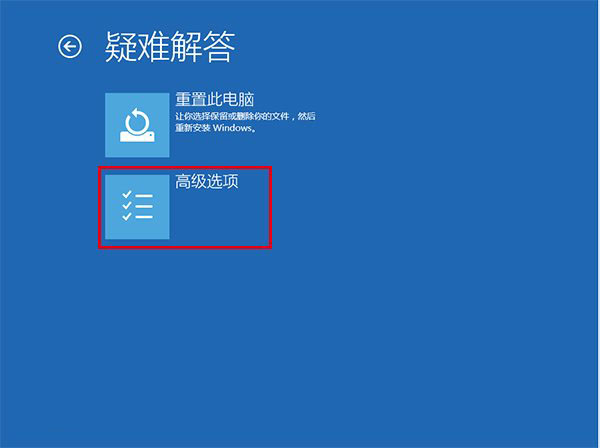
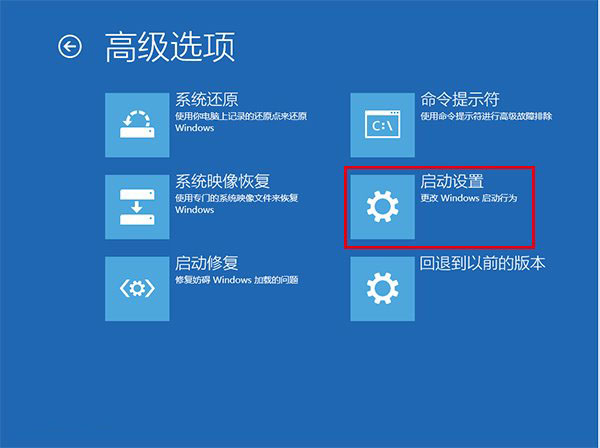
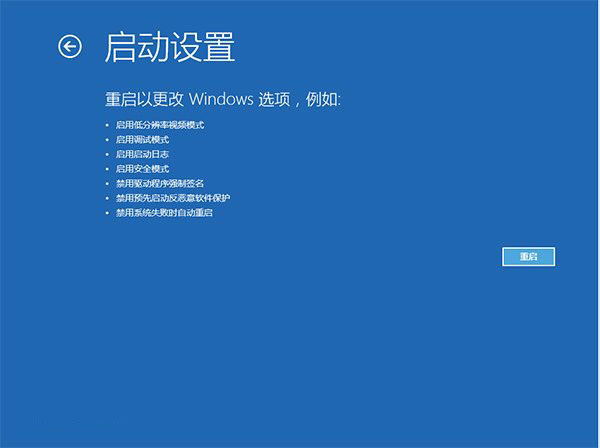
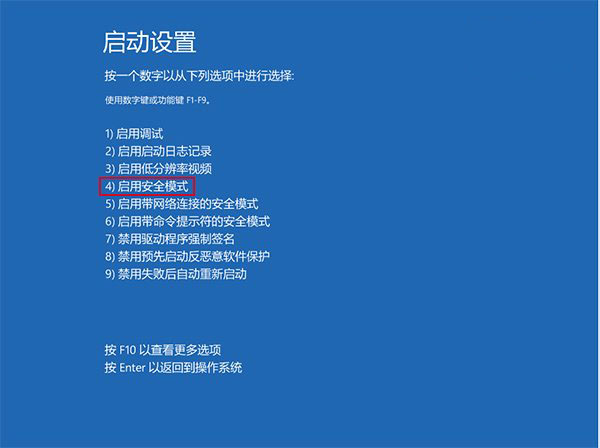
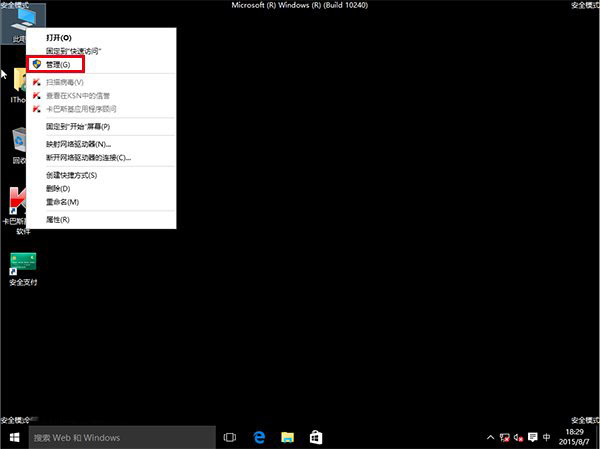
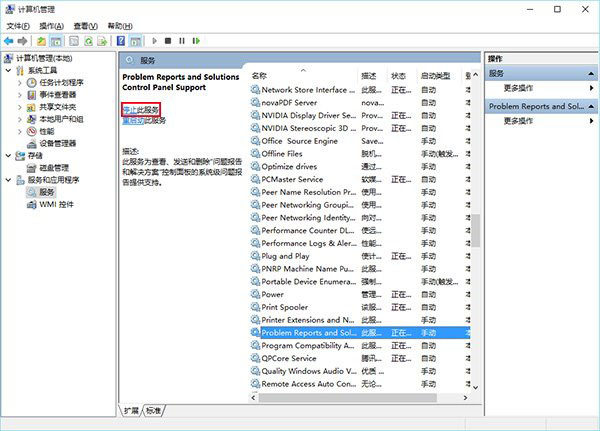
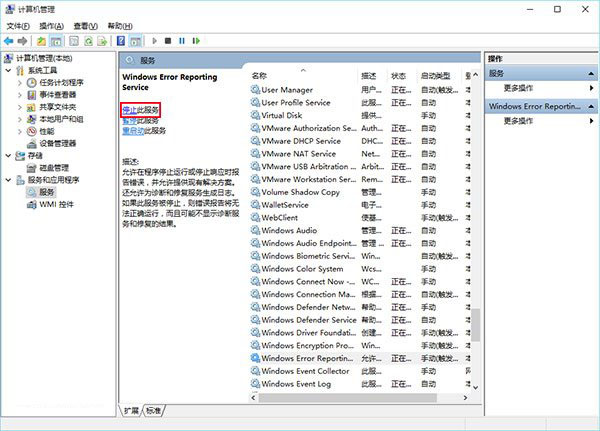
兩項服務停用後關閉管理工具,正常重開機問題應解決。
Windows XP 不再安全:Qbot 木馬感染 50 萬裝置竊取 80 萬銀行憑證
Windows 7 睡眠模式下持續下載:啟用「離開模式」完整教學
Windows 10 開機音效消失?啟用「播放 Windows 啟動聲音」選項找回經典開機音樂
如何使用 USB 隨身碟安裝 Windows 10?製作開機碟與乾淨安裝完整圖文教學
Win10 檔案總管地址列直接輸入指令開啟常用工具:calc、cmd、regedit、gpedit.msc 等
Win8 藍屏提示 "reference by pointer" 錯誤?安全模式測試 + 更新顯卡驅動雙管齊下
Windows 10 正式版 7 大不可忽視缺點總整理:設定混亂、Wi-Fi Sense 風險、強制更新、Edge 體驗、OneDrive 退化、Store 慘淡、DVD 支援移除