Win 10 任務列搜尋(Cortana)預設使用 Bing,習慣 Google 的用戶可透過自製 Chrome 擴充功能,將搜尋請求重導向至 Google。本文提供完整原始碼與打包教學。
CortanaUseGoogle,內建兩個文字檔:CortanaUseGoogle.js、manifest.json。chrome.webRequest.onBeforeRequest.addListener(
function(details) {
return { redirectUrl: "https://www.google.com/search?q=" + details.url.split(/=|&/)[1].replace("%20", "+") };
},
{urls: ["https://cn.bing.com/search*"]},
["blocking"]
);{
"name": "Cortana use Google",
"version": "1.0",
"manifest_version": 2,
"description": "Just a extension",
"background": { "scripts": ["CortanaUseGoogle.js"] },
"permissions": ["webRequest", "webRequestBlocking", "https://cn.bing.com/"]
}.crx 檔,拖入 Chrome 安裝。
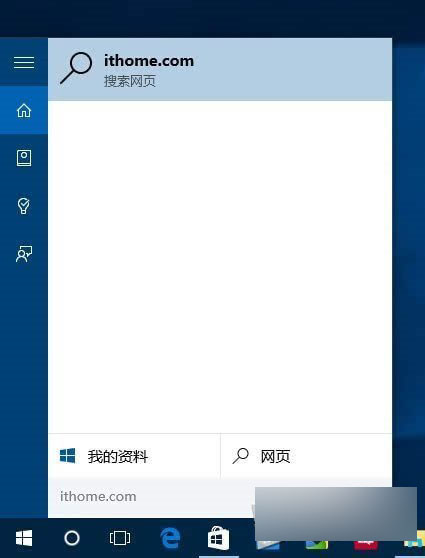

將 JS 中 https://www.google.com/search?q= 替換為 https://www.baidu.com/s?wd=,並移除 .replace("%20", "+") 即可。
這或許是您親手開發的第一個 Chrome 擴充功能!