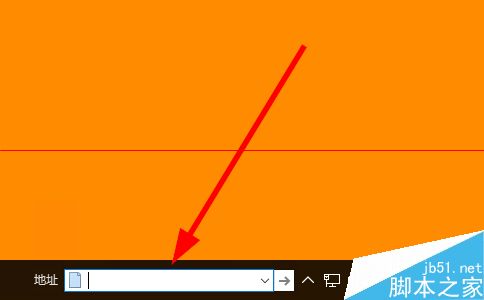
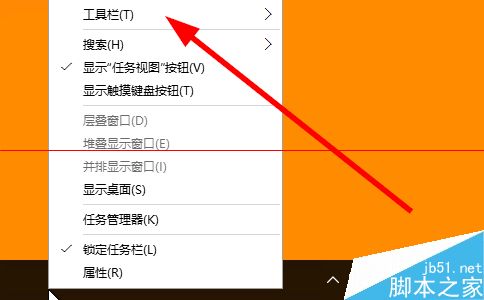
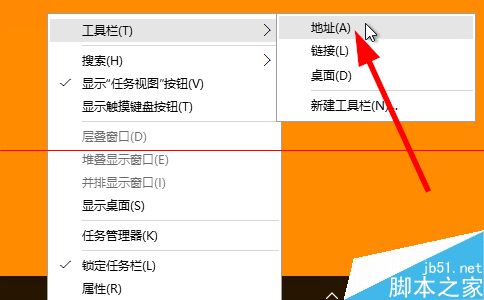
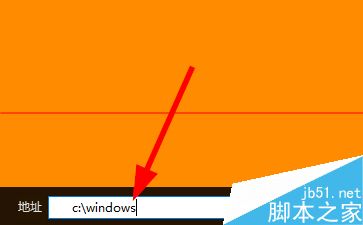
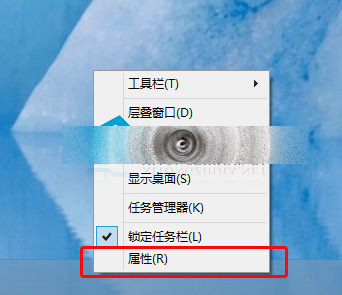
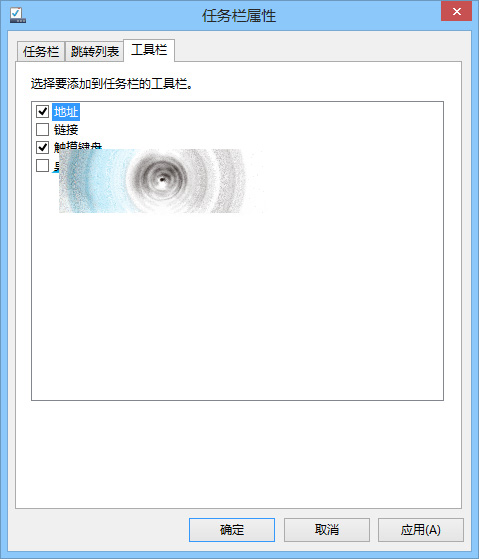
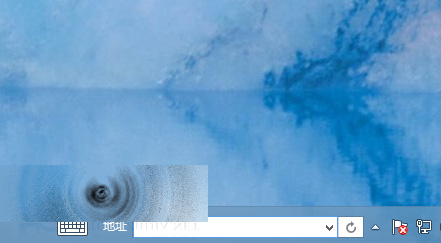
Win10 工作列可啟用「位址」工具列,輸入資料夾路徑、檔案路徑、網址、系統指令 (如 cmd, msconfig) 即可快速開啟,支援智慧提示。
cmd
msconfig
注意:工具列佔用工作列空間,小螢幕裝置可能不適合。
Win10 新增 VPN 連線完整圖文教程:幾步搞定虛擬專用網路設定
Win7 提示「記憶體不足」原因分析與五大解決方案
Win10 應用商店白屏、打不開、閃退怎麼修?啟用 Windows Update、防火牆、Store 相關服務完整排查
Win10 Edge 瀏覽器變更預設搜尋引擎為 Bing:四步驟完成設定
Windows 10 手動開啟/關閉定位服務完整教學:裝置層級與使用者層級雙重控制
Windows 8 移除「微軟拼音簡捷」輸入法完整教學
Win10 正式版 Cortana 完整設定與使用教學:語音搜尋、提醒、隱私管理
Windows 10 Mobile 預覽版更新內容完整彙整:新版開始畫面、通知中心、Office、Spartan 瀏覽器等詳解