Windows XP Windows 7 Windows 2003 Windows Vista Windows 綜合教學 Linux 系統教學
Windows 10 Windows 8 Windows 2008 Windows NT Windows Server 電腦軟體教學
您现在的位置: Windows教程網 >> Windows教程 >  >> Windows 綜合教學 >> 關於 Windows

Win10 應用程式無回應/當機?PowerShell 重新註冊 UWP 應用一鍵修復

編輯:關於 Windows

Win10 UWP 應用出現無回應,通常為應用載入失敗。以管理員身分執行 PowerShell 重新註冊所有應用:

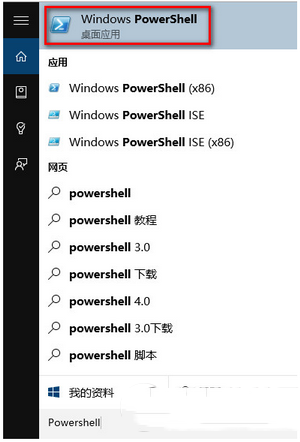
  1. Cortana 搜尋 PowerShell → 以系統管理員身分執行。
  2. 輸入指令:
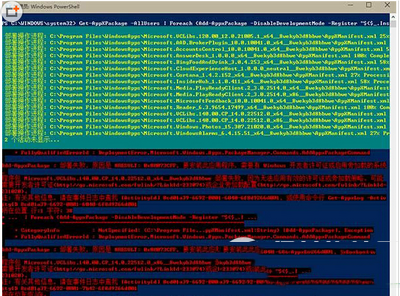
    Get-AppXPackage -AllUsers | Foreach {Add-AppxPackage -DisableDevelopmentMode -Register "$($_.InstallLocation)\AppXManifest.xml"}
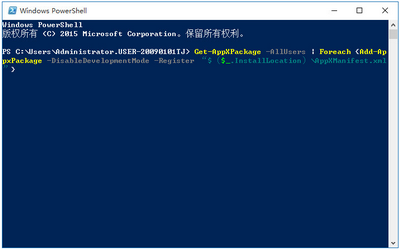
  3. 等待自動完成,應用即重置修復。

指令會遍歷所有使用者的所有 UWP 應用並重新註冊,解決多數無回應、閃退、無法啟動問題。

Copyright © Windows教程網 All Rights Reserved