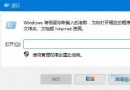
Win10 整合應用程式商店推薦,設定預設開啟程式非常直觀:
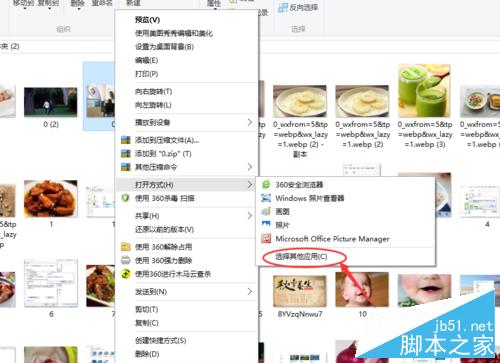
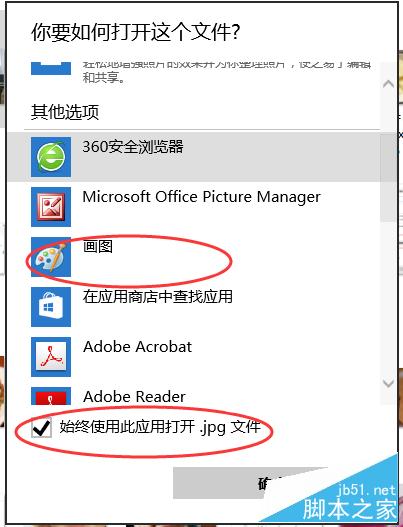
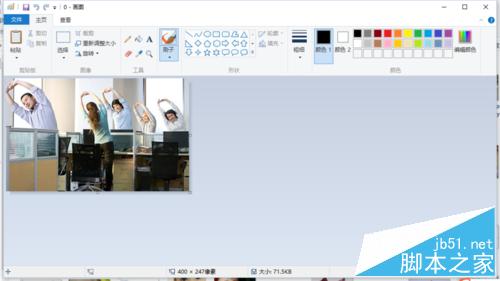
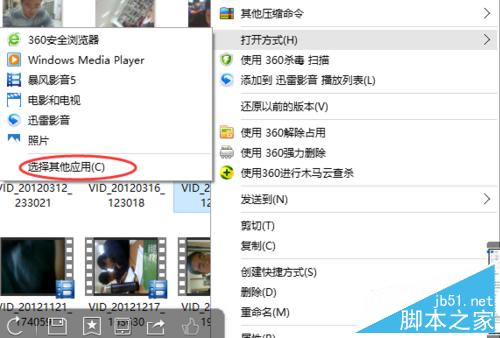
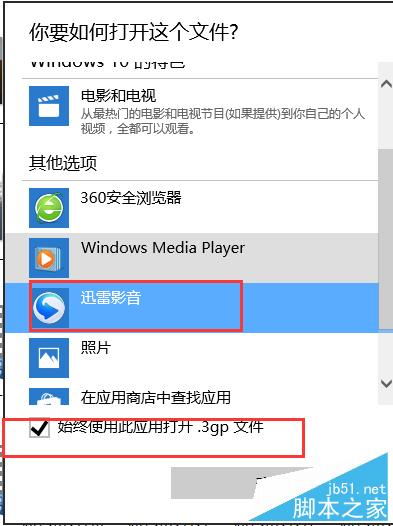
影片、音樂等其他類型操作同理。商店會自動推薦相容應用程式,方便新手使用。
Win10 Mobile 10536 升級截圖曝光,版本號 10.0.10536.1003,主打穩定與效能優化
Win10 Mobile 10536 修復內容匯總:行動熱點、免打擾、地圖縮放、鎖鎖畫面延遲皆獲改善
Win10 Mobile 週年更新正式版 14393.189 今日推送:版本號較 14393.187 略高、內容預估相近
Win10 升級後 PS/2 滑鼠鍵盤無法使用?一條註冊表指令快速修復
Win7 安裝 Windows Live Writer 失敗錯誤 0x80190194?離線安裝包手動部署解決
Windows 7 批次重新命名多個檔案:選取全選 + F2 秒完成