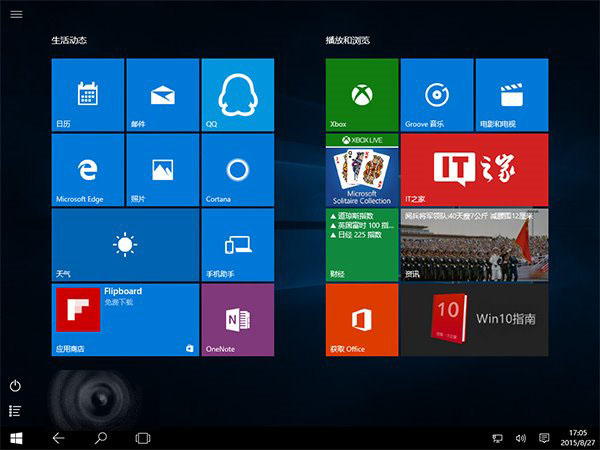
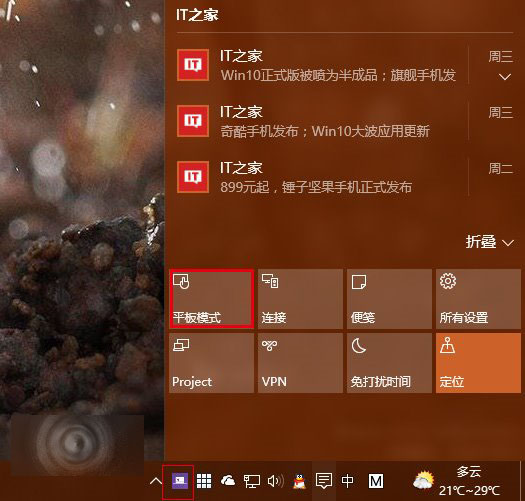
Gabriel Aul 表示微軟知曉需求但未排程實作。官方建議:在桌面模式手動開啟工作列自動隱藏,再切換至平板模式。若需原生平板模式自動隱藏,可嘗試第三方工具 Nibbler Apps(1.51 MB,5 天試用後需付費 1.35 美元)。
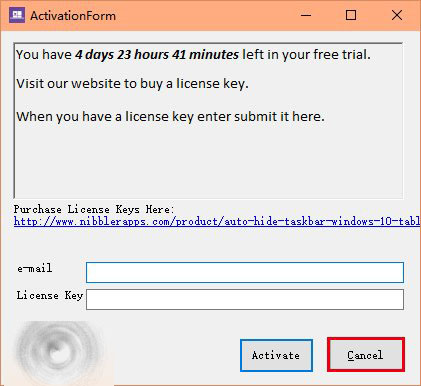
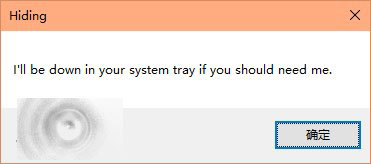
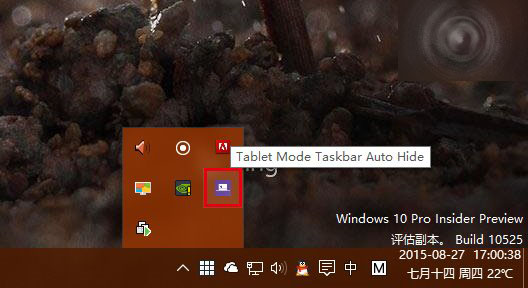
安裝後取消啟動碼視窗即可試用,程式駐留通知區域,切換平板模式即生效(開始畫面時不隱藏)。
相關推薦: Win10 切換平板模式教學 | Win10 10056 平板模式控制
Windows 10 資料夾圖示出現藍色雙箭頭?關閉 NTFS 壓縮與加密屬性即可移除
Win7 系統設定開機提示與問候語:透過本機群組原則自訂歡迎訊息
Win7 語言列消失不見?三步找回輸入法切換列到工作列
Win10 一週年更新「設定」App 介面大改版:左側導覽列豐富化、搜尋上移、圖示化分類、工作列屬性整合
Windows XP 筆電架設 Wi-Fi 熱點:內建無線網卡建立 Ad-Hoc 網路共享上網
XP系統刪除文件提示「您需要權限來執行此操作」的完美解決方案
Windows 系統修改開機等待時間三種方法:msconfig、系統屬性、EasyBCD 通用全版本
Win7 提示「登錄空間不足」三大解決方案:減少啟動項、清理垃圾、增加虛擬記憶體