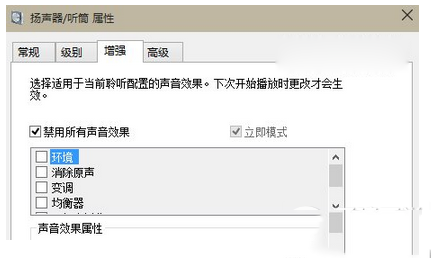
Internet Explorer 在 Windows 8 中可將收藏夾(我的最愛)固定在瀏覽器左側側邊欄,方便隨時點選收藏網址,無需重複開關選單。
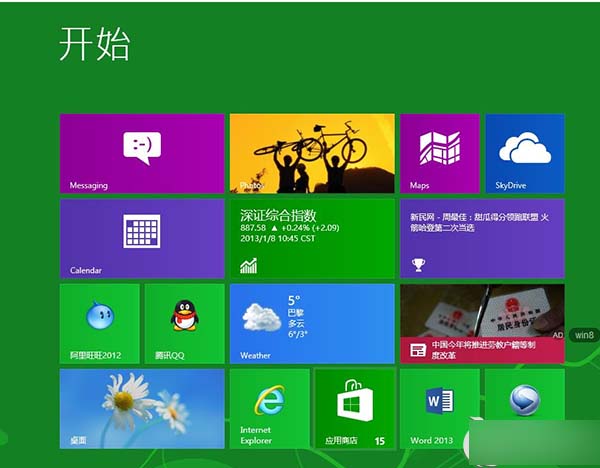
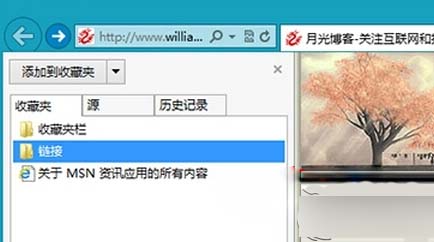
再次點選「固定收藏夾中心」可取消固定恢復浮動面板。此功能僅適用於 IE 桌面版,現代版 IE(Metro IE)不支援側邊欄固定。
Win10 如何禁用 SearchUI.exe (Cortana) 進程?重命名安裝目錄禁止啟動 (需獲取權限)
Win10 系統時間改 24 小時制:設定 → 時間與語言 → 格式 → 變更短/長時間格式
VMware Workstation 安裝 Win10 完整圖文教學:虛擬機建立、ISO 掛載、安裝流程與 VMware Tools
Win7 設定虛擬記憶體完整教學:位置、步驟、建議數值 (依實體記憶體大小)
Windows 7 使用 JS 腳本建立一鍵關機捷徑並設定熱鍵
Win10 Mobile 預覽版降級/回滾 WP8.1 教程:Windows Phone Recovery Tool 抹機還原 (附工具下載連結)