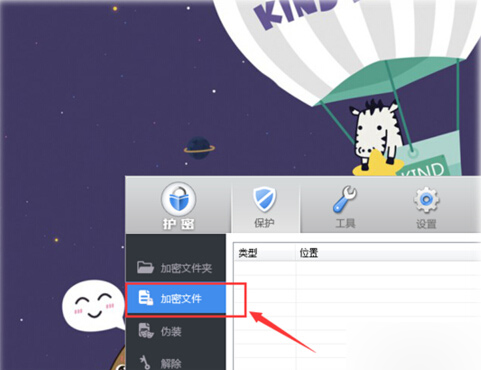
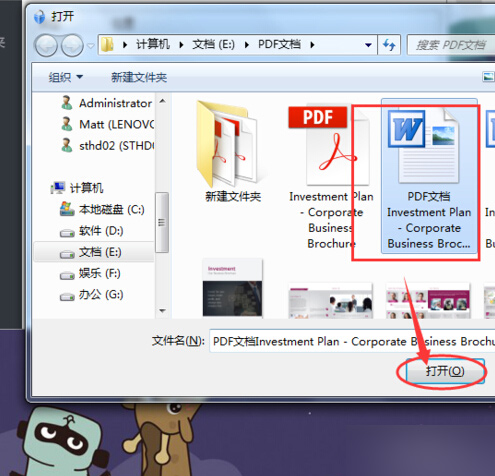
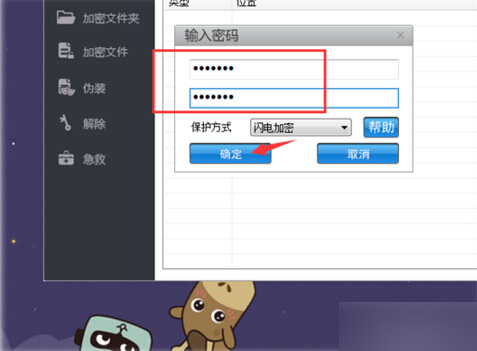
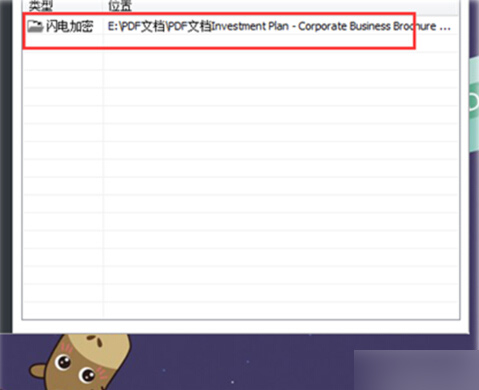
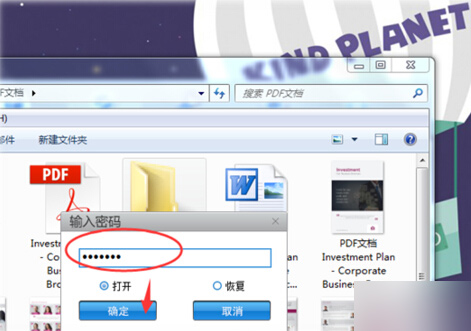
亦可使用 Word 內建「另存新檔」→「工具」→「一般選項」設定開啟/修改密碼,無需額外工具。
Win10 小娜支援手動輸入單號追蹤快遞 功能詳解
Win10 登入畫面神秘方塊圖示是什麼?虛擬鍵盤高亮回饋指示器
Win7 取消開機密碼:控制台使用者帳戶四步驟移除密碼
Windows 10 正式版安裝包下載位置與免費升級詳解
安裝 Win7/8/10 卡在「複製檔案」報錯 0x80070570/0x80070002?三大成因與對策
DiskGenius 重建分區表完整教學:修復損壞分區、找回遺失資料
Win7 磁碟管理「擴展磁碟區」使用教學:僅能向右鄰近未配置空間擴展,C 槽無法直接擴容
Win10 停止不必要的背景服務 釋放硬體資源提升效能