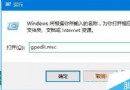
Win10 開機預設啟動大量服務,部分可能用不到卻佔用資源。停止服務方法:
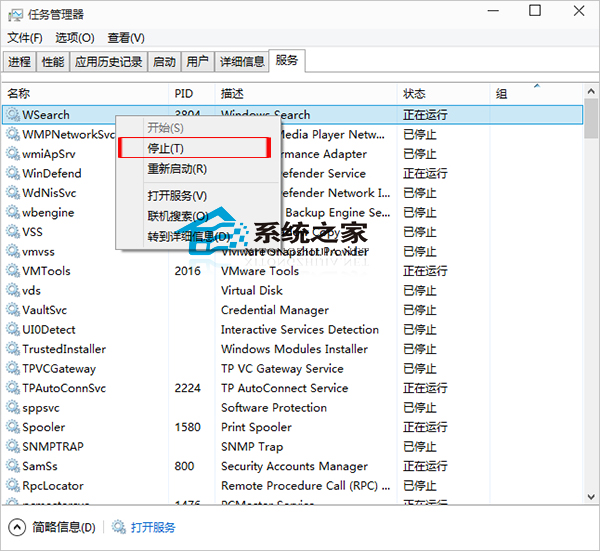
警告:不熟悉服務功能者請勿隨意停用,可能導致系統功能異常。
Win7 玩英雄聯盟 (LoL) 頻繁藍屏?八大排查清單從驅動到硬體逐一擊破
Win10 更新後 LOL 幀率鎖 60?關閉 Xbox Game DVR 錄製功能即時解鎖
Windows 10 正式版完成日期曝光:2015 年 7 月 13 日 16:30
Win10 Build 10532 已知問題彙總:Windows Hello 失效、64 位 Chrome 崩潰
Win8/8.1 將「這台電腦」圖示放到桌面並改名為「我的電腦」
Win8 找不到關機鍵?三種關機法:Alt+F4、長按電源鍵、裝 360 安全衛士找回傳統選單