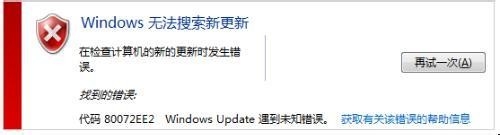
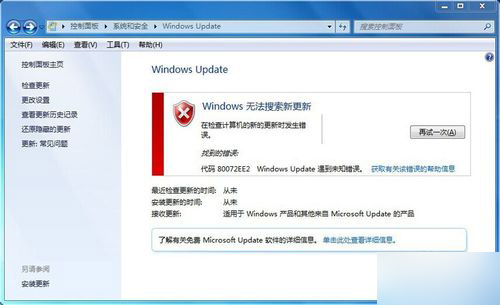
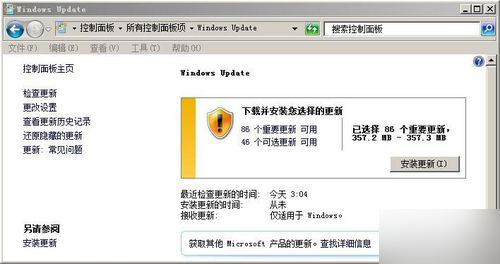
透過騰訊電腦管家修補後,Windows Update 仍報 80072EE2 無法搜尋更新。嘗試防火牆、重置更新服務等常見方案均無效。靈感來自曾遇過 x64 同樣問題,需安裝大型服務堆疊更新 KB947821 (x86)(約 228 MB)。
Windows6.1-KB947821-v34-x86.msu
如何檢測電腦能否升級 Win10?官方升級助手完整操作教學
Windows 8 如何防範 ARP 攻擊?CMD 手動綁定與批次檔自動化雙重防護教學
Win10 任務檢視快速切換程式:開啟與使用圖文教程
微軟釋出緊急安全補丁修復所有 Windows 版本 OpenType 字體遠端執行碼漏洞
Win10 Build 10125 圖標新設計圖賞:扁平風格回歸經典,視覺觀感大幅提升
Windows 8 好用嗎?與 Windows 7 詳細比較評析
Windows 7 工作列客製化:顯示標籤、小圖示、不合併,找回 XP 經典手感
Win7 將螢幕保護程式變身動態桌面壁紙,彩帶、氣泡、3D 文字任你選