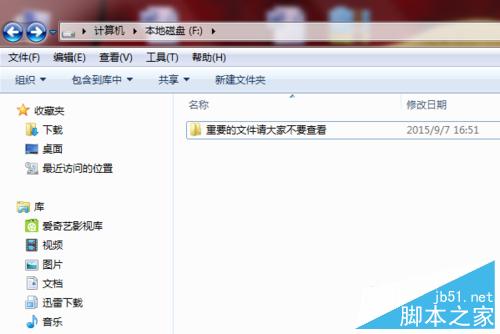
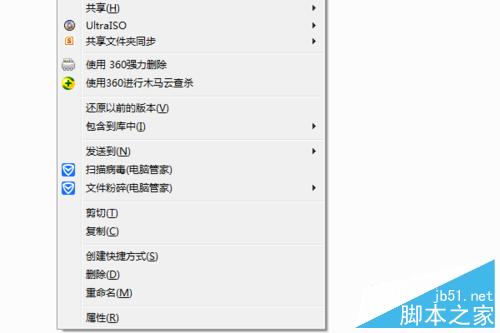
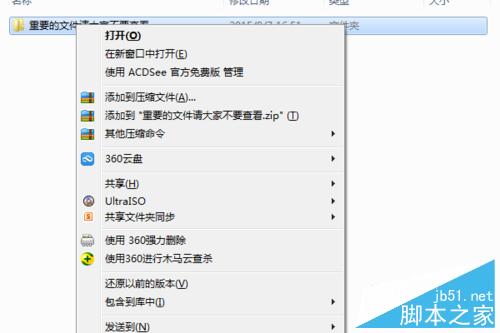
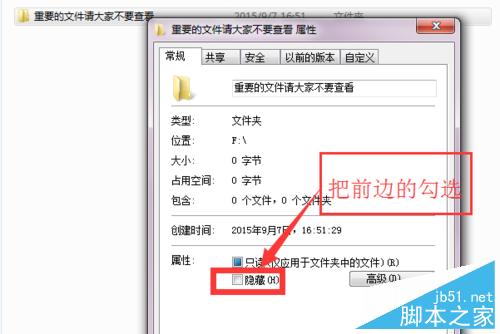
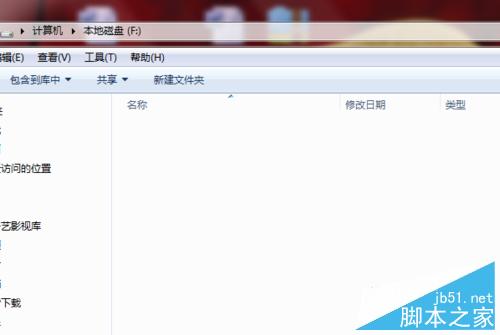
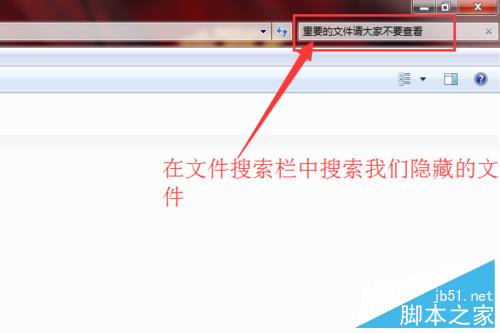
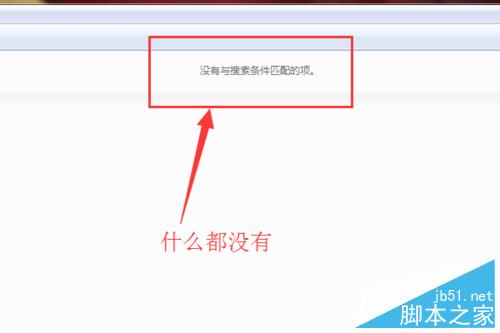
為保護隱私資料,可將檔案/資料夾設為隱藏屬性,並關閉「顯示隱藏檔案」選項,達到雙重保護。
如需再次存取,可在資料夾選項勾選「顯示隱藏的檔案、資料夾及磁碟機」或直接在路徑列輸入完整路徑。
輕鬆提取 Windows 7 主題中的聲音與壁紙完整指南
Win10 對比 Win7 哪個好?效能實測告訴你誰更快
Win7 台式機/一體機怎麼查有沒有無線網卡?兩種最快檢查法
Win10 Build 9880 最新版曝光,下載即將開放
Win7 重啟藍屏 beginning dump of physical memory 完整排查:記憶體、散熱、硬碟、硬體相容六大方向
Win10文件刪除失敗提示「文件已在Windows中打開」的完美解決方案
Win10 周年更新升級報錯 0x80070057、0xa0000400?教你一招強制斷網解決
Win10 預覽版 14352 語言列位置異常與輸入指示器自動關閉修復教學