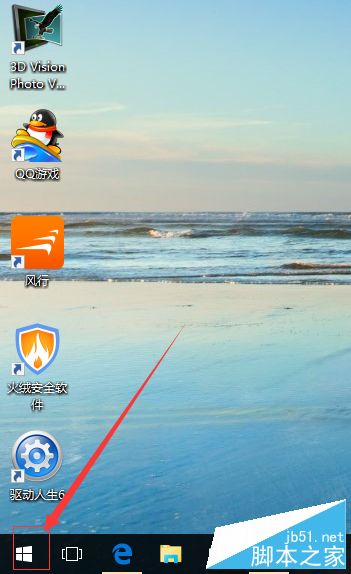
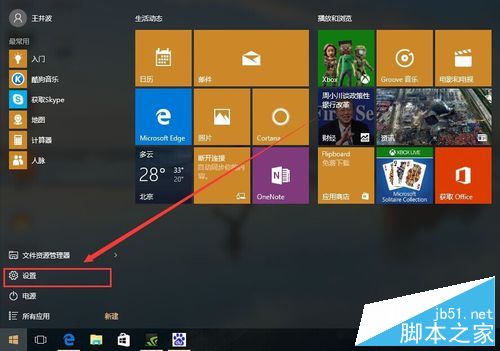
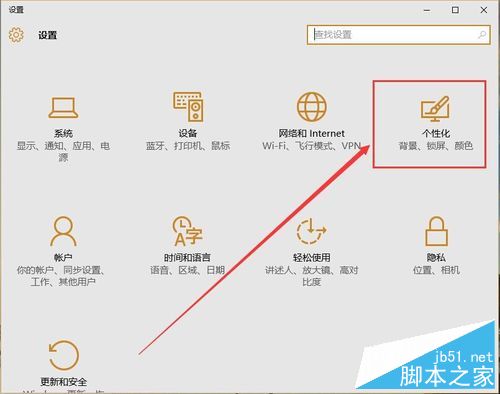
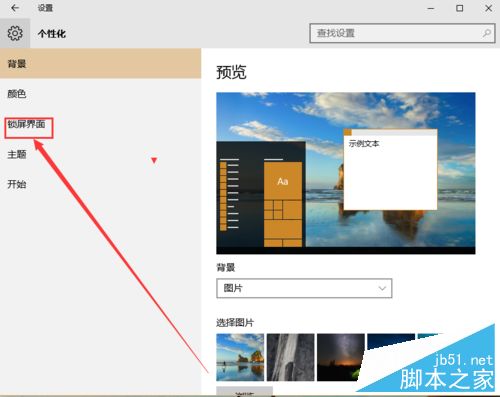
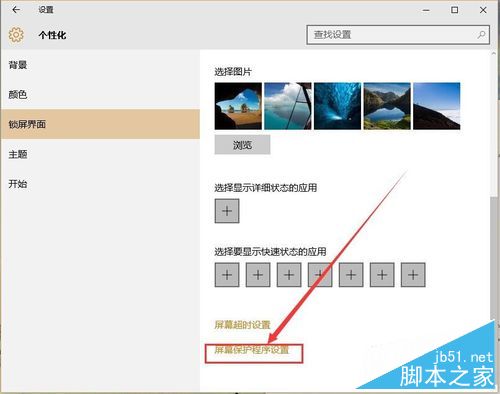
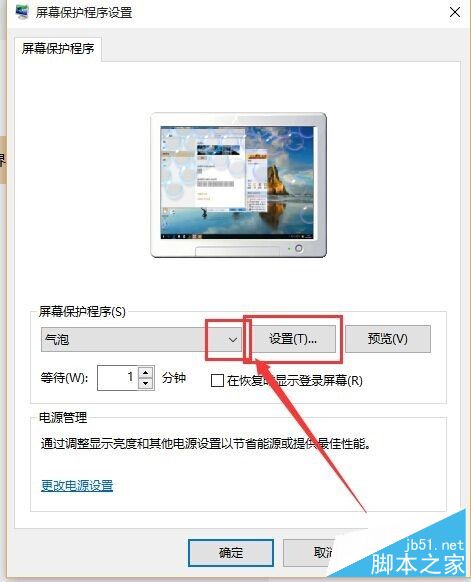
Win10 設定螢幕保護程式:
六步驟快速設定炫麗螢幕保護程式,另附 Win10 自動更換桌面背景 (幻燈片) 設定參考。
Win10 正式版前核心應用更新了哪些內容?郵件、鬧鐘、計算機等批量修復
Windows 8 桌面右鍵選單新增「關機」選項教學
Win7 控制台被停用無法開啟?群組原則一鍵恢復存取權限
人在國外如何用 Win8 系統觀看國內亞洲盃賽事?VPN 連線完整設定教學
Win7 vs Win8.1 vs Win10 遊戲效能大比拚:DX12 潛力待釋放,目前三者表現幾乎相同
Win10 Mobile 週年更新 14393.67 上手體驗:20 分鐘深度實測視頻
Windows 7 解除安裝 Windows Virtual PC 虛擬機教學
Win8 設定滑鼠左手模式(左撇子專用),輕鬆交換左右鍵功能