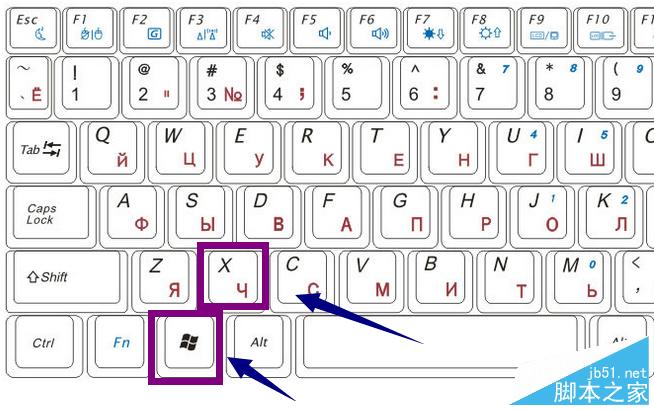
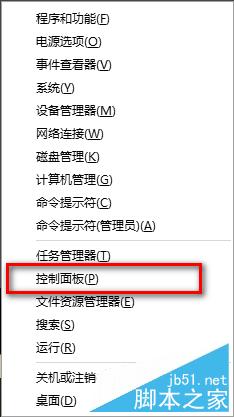
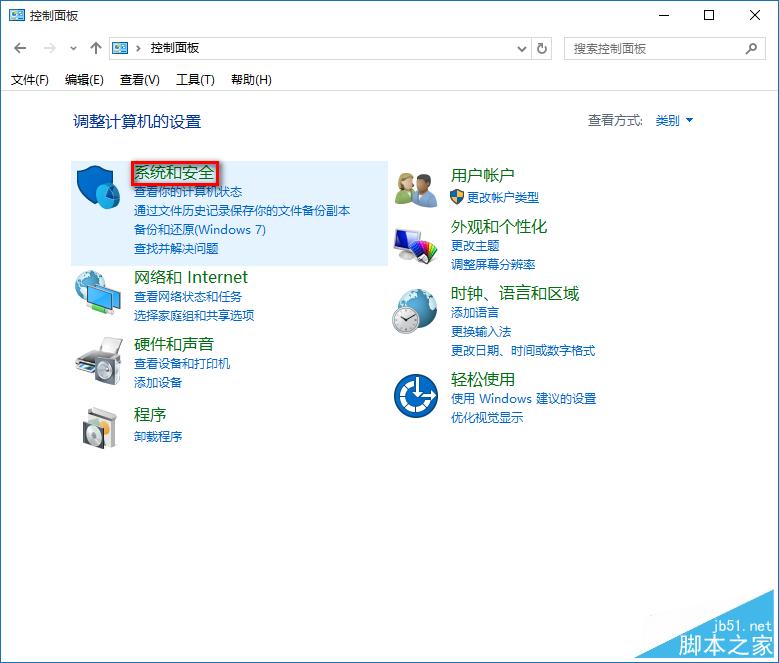
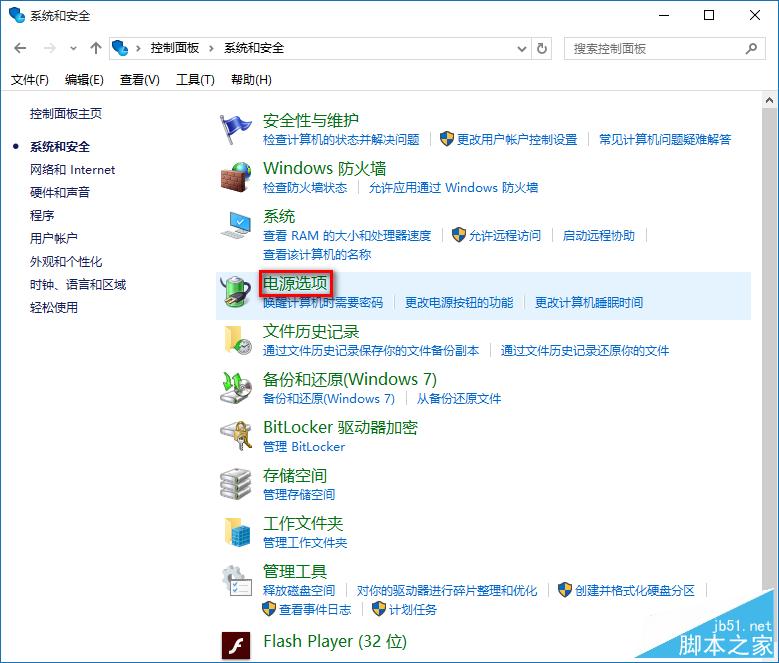
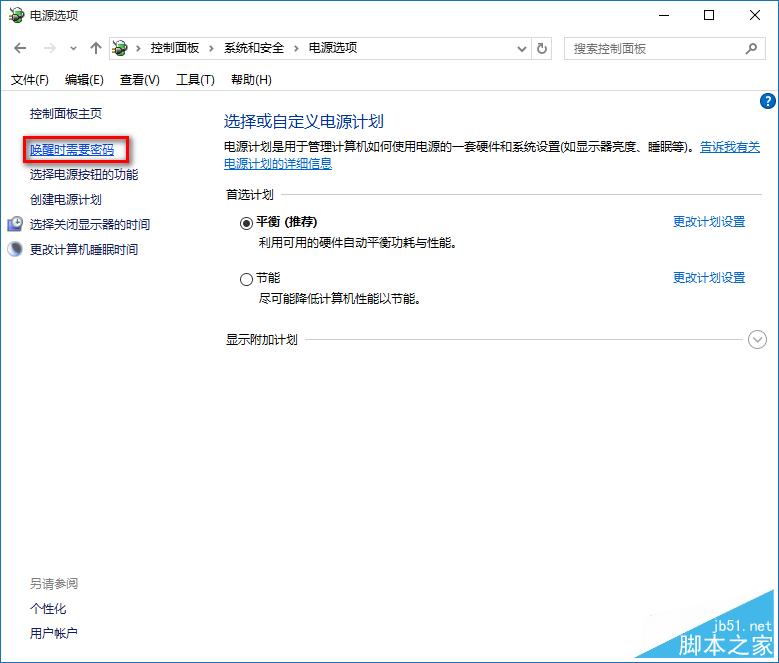
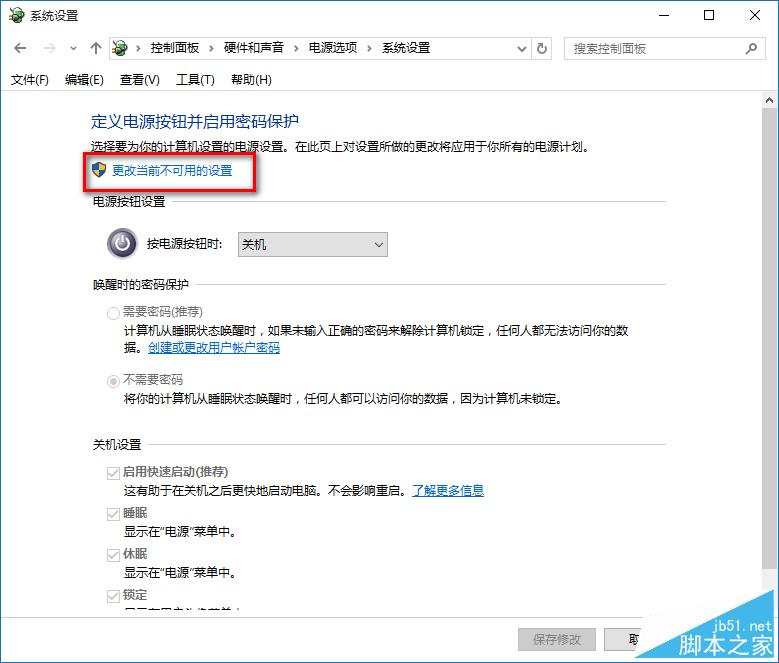
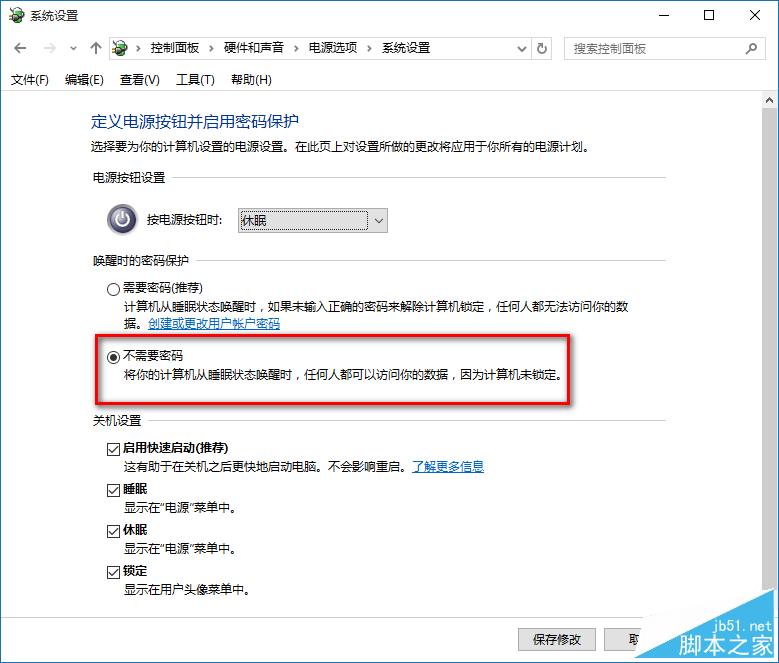
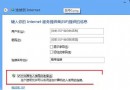
Win10 睡眠喚醒免密碼快速設定:
同 70561 內容,此為精簡版步驟圖解。
為普通鍵盤打造一鍵休眠捷徑與熱鍵
安裝 Windows 10 技術預覽版完整注意事項與常見問題解答(含安裝金鑰)
Win8 應用商店消失了?執行 sfc /scannow 修復系統檔兩步驟找回
Windows 7 螢幕保護程式設定完整圖解教學
Windows 7 網路頻繁自動斷線、休眠後無法連線?停用網卡省電功能解決
Win10 週年更新 KB3201845 補丁更新內容大全(官方完整日誌)
Win 8.1 安裝支付寶數位憑證失敗?關閉 IE 保護模式即可解決
Win7 桌面圖示全變成 Windows Media Player?註冊表修復檔案關聯錯誤教學