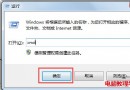
Win10 任務排程器可自動化執行腳本、程式、備份等作業。透過控制台最快三步開啟,無需記憶指令。
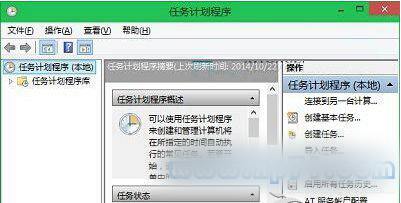
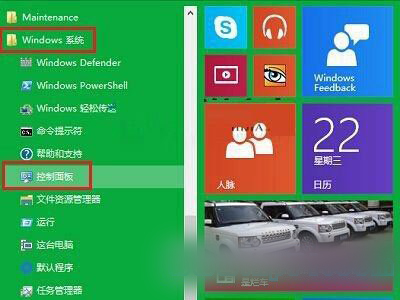
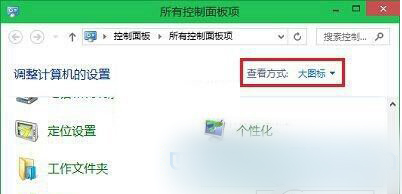
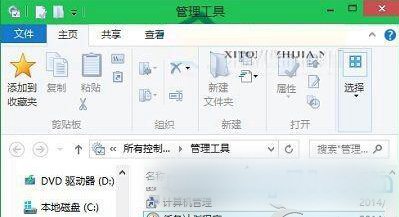
taskschd.msc > Enter掌握入口,自動化運維從此開始。
解決 Windows 7 CMD 命令提示「不是內部或外部命令」錯誤
Windows 7 ctfmon.exe 進程是什麼?功能詳解與異常處理指南
Win10 離線安裝 .NET Framework 3.5 圖文教程:DISM + ISO 映像一鍵部署免聯網
Win10 Build 9860 釋出:僅支援 Windows Update 線上更新,不提供 ISO,新增快/慢更新通道選擇
Windows 10 家用版快速升級專業版教學:設定 → 更新與安全性 → 變更產品金鑰 (適用 1511 以上版本)