Win10 計算機應用程式開啟方式多樣,推薦四種最高效方法:

calc.exe → Enter,即刻開啟。
安裝「軟媒魔方」→「設定大師」→「右鍵選單」→「右鍵選單快捷組」→ 新增「計算機」→ 「產生選單」。以後桌面右鍵即可直接開啟計算機。

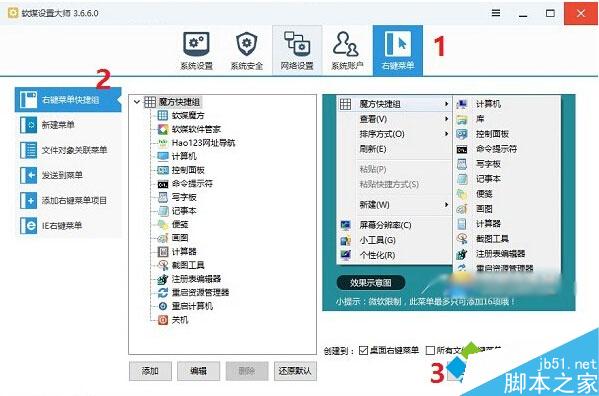
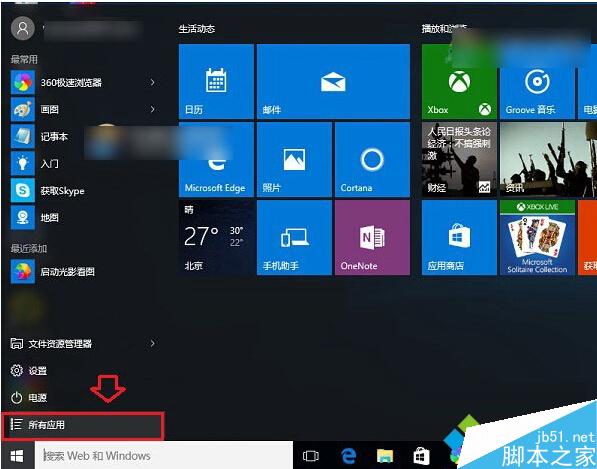
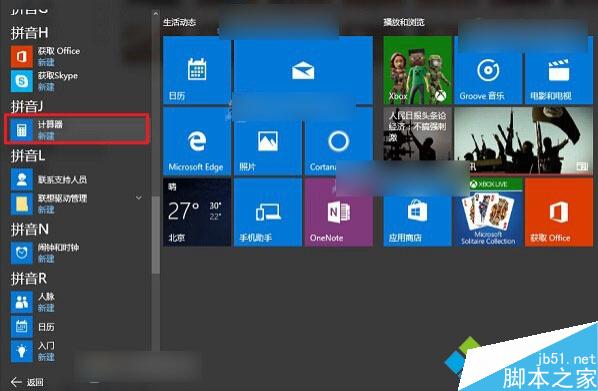
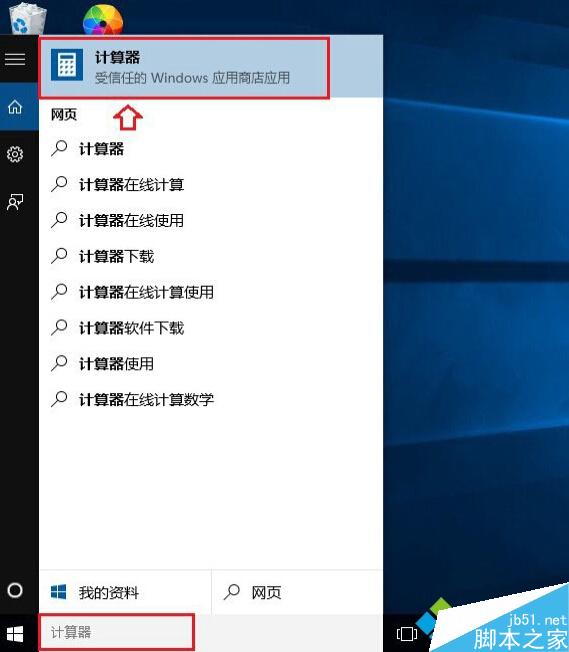
方法一最快無需第三方工具,方法二適合高頻使用者,方法三四為標準系統內建入口。
Windows NLB 搭配 IIS ARR 搭建高可用 Web 叢集架構完整解析
Win7 USB 隨身碟中毒資料夾被隱藏?attrib 指令一鍵恢復顯示 (附批次檔製作教學)
Win10 CMD 命令提示字元 7 大隱藏新功能與技巧:半透明視窗、全螢幕、歷史選單、拖曳路徑、Tab 補全、複製貼上、文字搜尋
Win7 / Win8 / Win10 怎麼查看電腦是 32 位元還是 64 位元系統?
Win7 解決 ADSL 斷線問題:關閉「閒置自動斷線」設定
Windows 7 IE 群組原則優化:關閉首次執行精靈、故障偵測、說明選單、自動更新檢查、客戶體驗計畫等