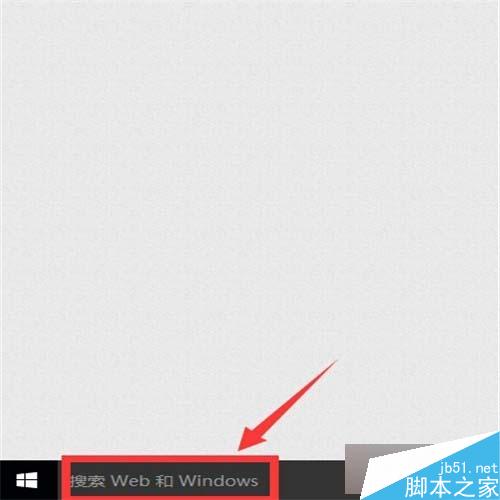
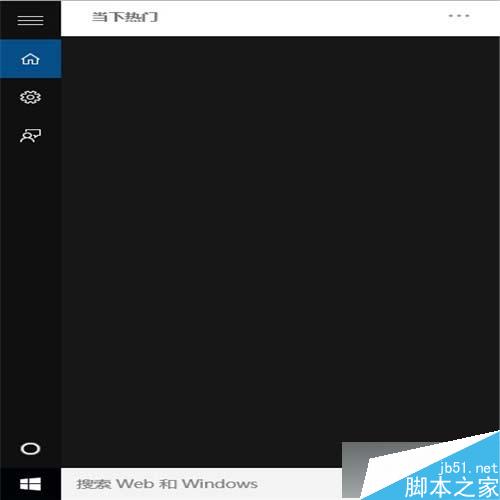
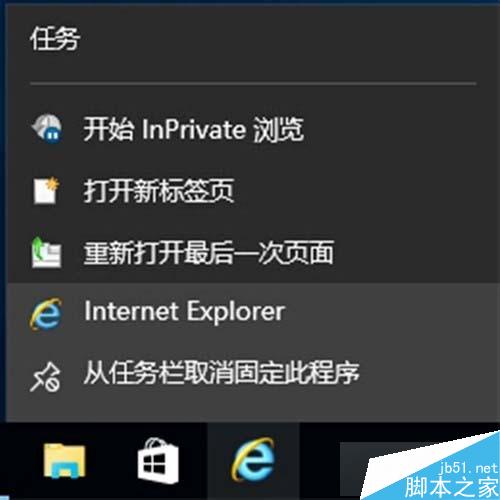
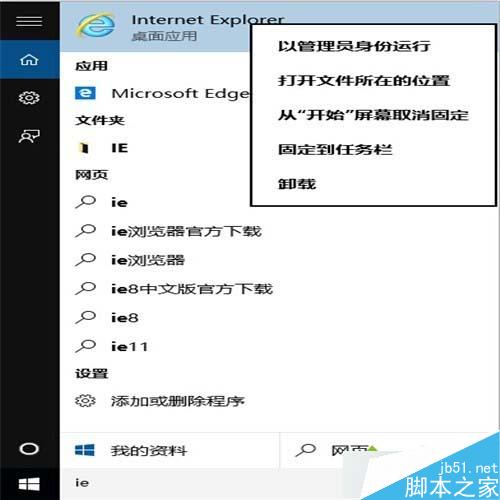
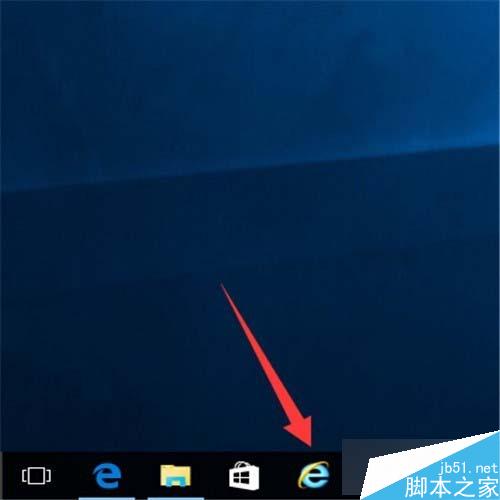
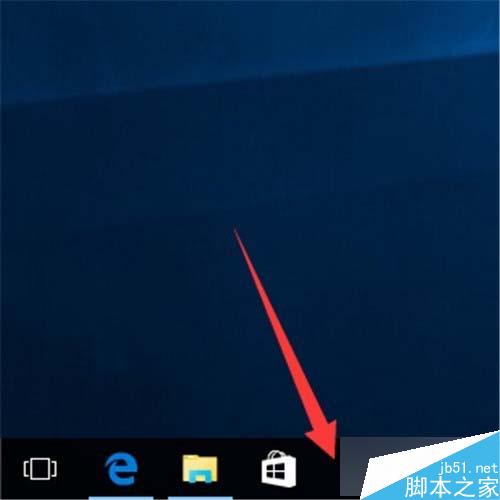
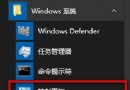
Win10 預設推廣 Edge,IE 隱藏較深。透過工作列搜尋即可快速釘選:
ie
Win8 / 8.1 進入安全模式三大法:告別 F8,改用 msconfig 與命令提示字元
Win7 重裝系統完整圖文教學:USB 開機、BIOS 設定、一鍵安裝全流程
Windows 7登入建立TEMP暫存使用者設定檔解決辦法
Superfetch 對老筆電效能影響實測:1GB 記憶體以上建議開啟,以下可關閉
Win10 啟用內建 Administrator 超級管理員帳號教學
Win10 Build 9860 大幅強化觸控體驗:虛擬鍵盤自動彈出、邊緣手勢操作
Win7 硬碟安裝 Linux 雙系統後移除 Linux 恢復 Win7 開機:破壞 GRUB + 修復 MBR 完整教學
Win7 安裝 IE10 失敗?常見錯誤代碼與雙顯卡衝突解決方案